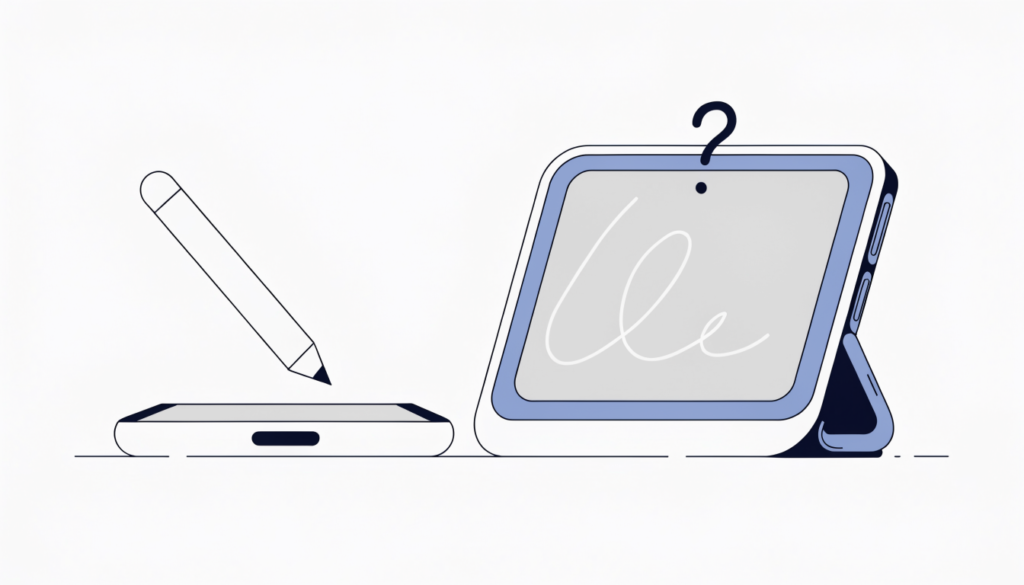
For years the answer was a simple no. In September 2026 Apple changed that, but only for one phone.
Here’s the short version, then the details:
- Every other iPhone, including iPhone 18 Pro, iPhone 17 and older: no, the Apple Pencil doesn’t work.
- iPhone Duo (Apple’s foldable): yes, but only the Apple Pencil (USB-C), and support isn’t available at launch. Apple says it’s coming “later this year”.
Why Apple Pencil doesn’t work on a normal iPhone
An iPhone’s touchscreen is built to sense your finger. An iPad that supports Apple Pencil has extra hardware and software to track the Pencil’s tip precisely, recognise tilt and, on some models, pressure. Regular iPhones don’t have that support, so tapping with an Apple Pencil does nothing useful. Apple has never listed a standard iPhone as compatible.
The exception: iPhone Duo
Apple announced the iPhone Duo, its first foldable iPhone, on 9 September 2026. Pre-orders opened on 16 October and it goes on sale from 23 October, starting at $1,999 in the US.
In its announcement, Apple says: “Later this year, iPhone Duo will support Apple Pencil with USB-C.” It says you’ll be able to take notes, sketch and mark up documents on both the inner and outer screens.
What that means in practice:
| Apple Pencil model | Works on iPhone Duo? |
|---|---|
| Apple Pencil (USB-C), $79 | Yes, once Apple adds support later in 2026 |
| Apple Pencil Pro, $129 | No |
| Apple Pencil (2nd generation) | No |
| Apple Pencil (1st generation) | No |
MacRumors points out that the iPhone Duo has no magnetic charging surface, which is likely why the Pencil Pro isn’t supported. The USB-C model charges through its own USB-C port instead. It also doesn’t support pressure sensitivity, double-tap or squeeze, although it does detect tilt.
So if you’re buying a Pencil for an iPhone Duo, get the USB-C model, and don’t expect it to work on day one.
What to use on a regular iPhone instead
- A capacitive stylus. Any basic capacitive stylus (the kind with a soft rubber or mesh tip) works on any iPhone, because it behaves like a fingertip. It’s fine for tapping, scrolling and simple sketches, but you won’t get palm rejection or pressure sensitivity.
- Your finger and Markup. The Markup tool in Photos, Notes and Files works well with a finger for quick notes on screenshots and PDFs.
- An iPad. If handwriting or drawing really matters to you, an iPad with Apple Pencil is still the best option. Check Apple’s compatibility list before buying, because each iPad only supports certain Pencil models.
Frequently asked questions
Can I use an Apple Pencil on iPhone 17 or iPhone 18 Pro? No. Only the iPhone Duo is getting Apple Pencil support.
Which Apple Pencil works with iPhone Duo? Only the Apple Pencil with USB-C, once Apple turns on support later in 2026.
Will a cheap stylus work on my iPhone? Yes, a capacitive stylus works on any iPhone, but it acts like a finger, with no pressure sensitivity.
Does Apple Pencil work on iPad mini? Yes, current iPad mini models support Apple Pencil, but check which model your iPad supports first.
Related guides on WebTechHelp
- Why there are white dots on your iPad screen
- How to unhide apps on iPhone
- How to turn off Find My iPhone
Sources
- Apple Newsroom: Apple unveils iPhone Duo (September 2026)
- MacRumors: iPhone Duo only works with the $79 USB-C Apple Pencil (September 2026)
- Android Authority: Does the Apple Pencil work with iPhone?