
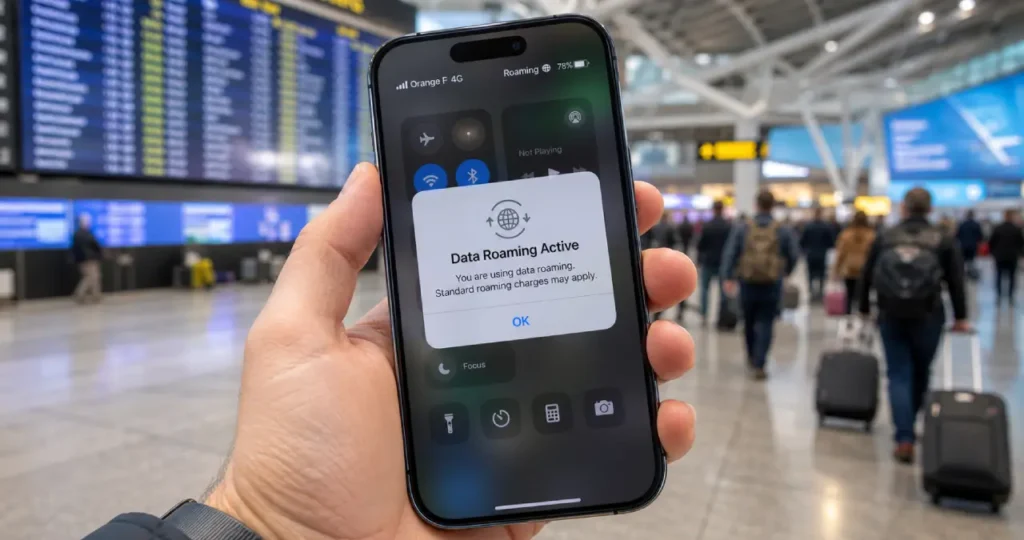
You land in another country, switch on your phone, and see “Roaming” in the status bar. A few weeks later, your bill arrives with charges you didn’t expect. This is one of the most common tech surprises for travellers, and it’s easy to avoid once you understand how roaming works.
In this guide I’ll explain data roaming in plain language, what “data charges” actually mean, and the simple settings that keep your bill under control.
What is data roaming?
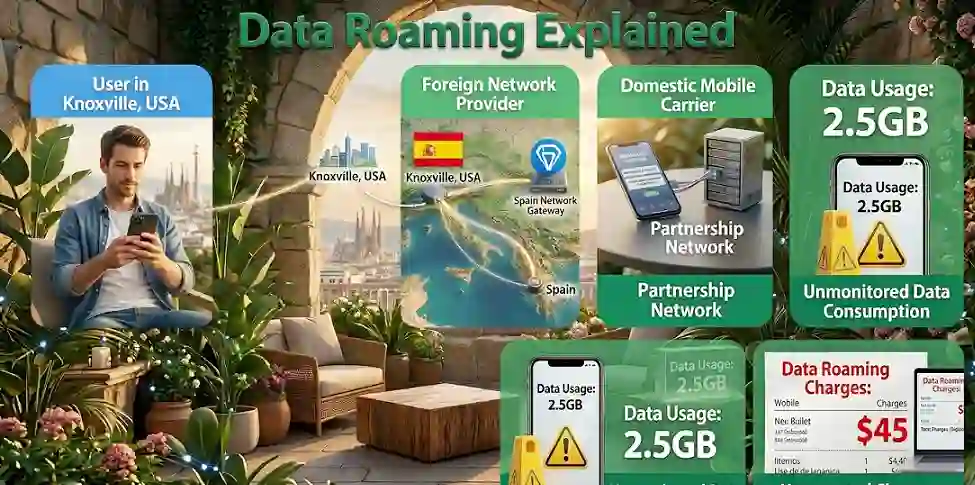
Data roaming means using mobile internet on a network that isn’t your own carrier’s. It usually happens when you travel abroad. Your carrier has agreements with partner networks in other countries, so your phone can still get online. The partner network records how much data you use and your home carrier bills you for it, often at a higher rate.
There are two types:
- International roaming: using a partner network in another country. This is where the high charges usually come from.
- Domestic roaming: using another network in your own country when your carrier has no coverage (for example in rural areas). In many countries this has no extra cost, but check with your carrier.
How does data roaming work?
- Your phone looks for a network. When your carrier’s network isn’t available, your phone searches for partner networks.
- It connects to a partner. Your phone joins a local network that has a roaming agreement with your carrier.
- Your carrier approves it. If roaming is allowed on your plan and turned on in your phone, you get service.
- Your usage is recorded. The partner network tracks your data, calls and texts.
- You’re billed. The partner network charges your carrier, and your carrier adds the cost (plus its own margin) to your bill.
What are data charges?
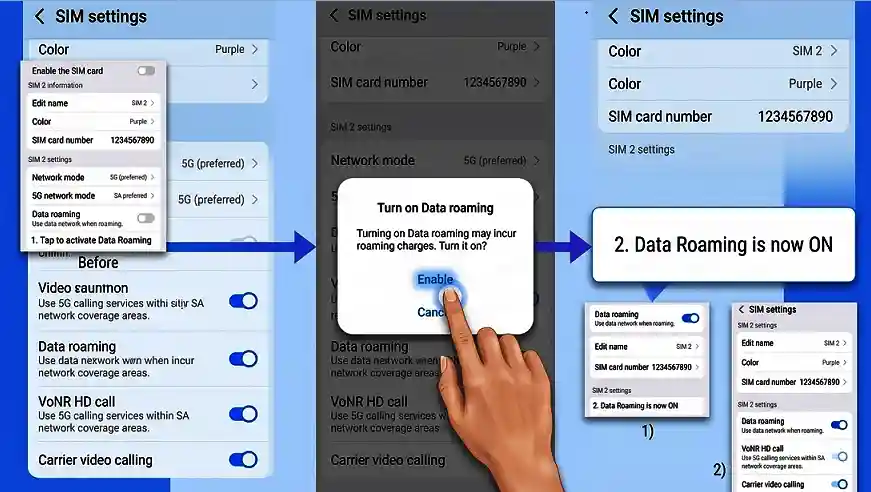
“Data charges” are what your carrier bills you for using mobile internet. At home, this is usually included in your plan. When you roam, it works differently:
- Pay-as-you-go roaming: you’re charged per megabyte or gigabyte. This is where surprise bills come from.
- Daily passes: many carriers offer a fixed daily fee that lets you use your normal plan abroad.
- Included roaming: some plans include roaming in certain countries at no extra cost.
When you see “data charges may apply” on your phone, it simply means using the internet now could add costs to your bill.
Is data roaming free in Europe?
If you live in the EU, yes, mostly. Under the EU’s “Roam Like at Home” rules, you pay the same for calls, texts and data in other EU countries as you do at home. The rules cover all 27 EU countries plus Iceland, Liechtenstein and Norway, and were extended to Ukraine and Moldova from 1 January 2026. They’ve been prolonged until 2032.
Two things to know:
- Operators can apply a fair use limit if you have unlimited or very cheap data at home. They must tell you in advance.
- The UK isn’t covered, though some UK operators offer similar deals voluntarily.
If you live outside the EU, these rules don’t apply to your home plan. Check with your carrier.
Should data roaming be on or off?
Keep data roaming off unless:
- you have a roaming plan or daily pass, or
- your plan includes roaming in the country you’re visiting.
With roaming off, you can still use Wi-Fi. Depending on your carrier, you may still be able to make calls and send texts, which can also cost extra.
How to turn data roaming on or off
On iPhone
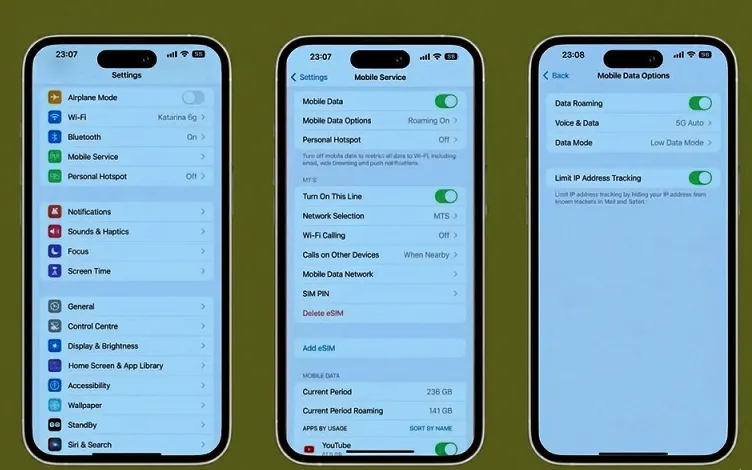
- Open Settings.
- Tap Cellular (or Mobile Data).
- Tap Cellular Data Options.
- Turn Data Roaming on or off.
On a Dual SIM iPhone, first tap the line you want to change.
On Android
The exact path depends on your phone:
- Google Pixel: Settings > Network & internet > SIMs > Roaming
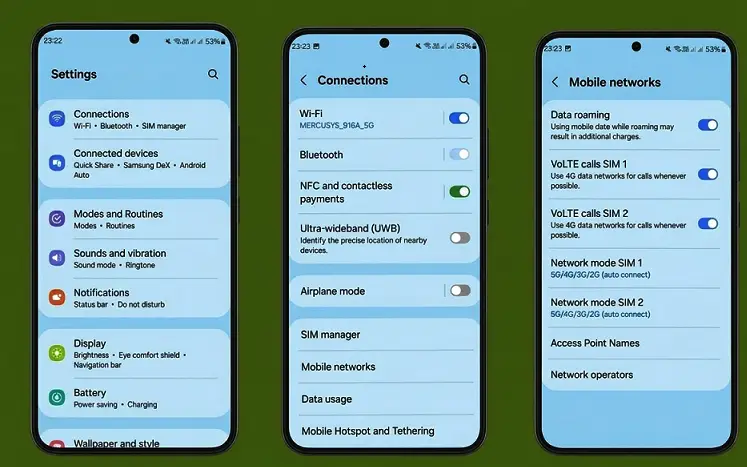
- Samsung: Settings > Connections > Mobile networks > Data roaming
On any Android phone, you can search “roaming” in the Settings search bar.
Cheaper alternatives to roaming
| Option | Best for | Things to know |
|---|---|---|
| Travel eSIM | Most travellers | Set up before you leave. Your phone must support eSIM. On some iPhones you can buy a roaming plan from Settings > Cellular |
| Local SIM card | Longer stays in one country | Usually the cheapest data. Keep your home SIM safe |
| Carrier day pass | Short trips | Easy but can add up over a long trip |
| Pocket Wi-Fi | Families or groups | Extra device to carry and charge |
| Public Wi-Fi | Short use in hotels and cafés | Free but less secure. Avoid banking on public networks or use a trusted VPN |
How to avoid roaming charges
- Check your carrier’s roaming rates before you travel. Apple’s own advice is to contact your carrier to avoid fees and higher rates.
- Download maps for offline use. My guide on dropping a pin on Google Maps pairs well with Google’s offline maps feature.
- Turn off automatic app updates and backups while you’re away.
- Use Wi-Fi calling and messaging apps on Wi-Fi rather than mobile data.
- Turn on Low Data Mode (iPhone) or Data Saver (Android).
- Free up storage before you go so you can download films and playlists over Wi-Fi at home. See how to free up your iPhone’s storage.
- Choose the right plan. If you travel often, my guide to SIM-only vs pay monthly plans can help you decide.
Frequently asked questions
Is data roaming the same as mobile data? No. Mobile data is using the internet on your own carrier’s network. Data roaming is using it on a partner network, usually abroad.
Does roaming cost money if I don’t use the internet? Usually not for data, but apps can use data in the background. If you don’t need it, turn data roaming off.
Can I use WhatsApp while roaming? Yes, but it uses mobile data, so it may add roaming charges. On Wi-Fi it’s free.
Why is there no service when I travel? Make sure Data Roaming is on (if you have a roaming plan), turn Airplane Mode on and off, and check that your date and time are set automatically.
Sources
- Apple Support: About cellular data roaming options for your iPhone and iPad
- Google Pixel Help: Connect to mobile networks on a Pixel phone
- European Commission: Roaming: questions and answers
- Google Maps Help: Download areas and navigate offline
- BetterRoaming: What is data roaming?