Do Apple Pencils work on iPhones is a question for many especially for those who are productivity and creativity focused, is not so? Apple Pencil is a true companion for the creative individual & learners who are opting to take their artistic prowess & learning needs to the next level by note-taking and creative art-making.
Now the question definitely pops into your mind: do they use the Apple pencil on their iPhone or not? In this Webtechhelp blog, we are going to uncover the answer behind the compatibility check of Apple Pencil on iPhone: Does it work or not?
Introduction to Apple Pencil
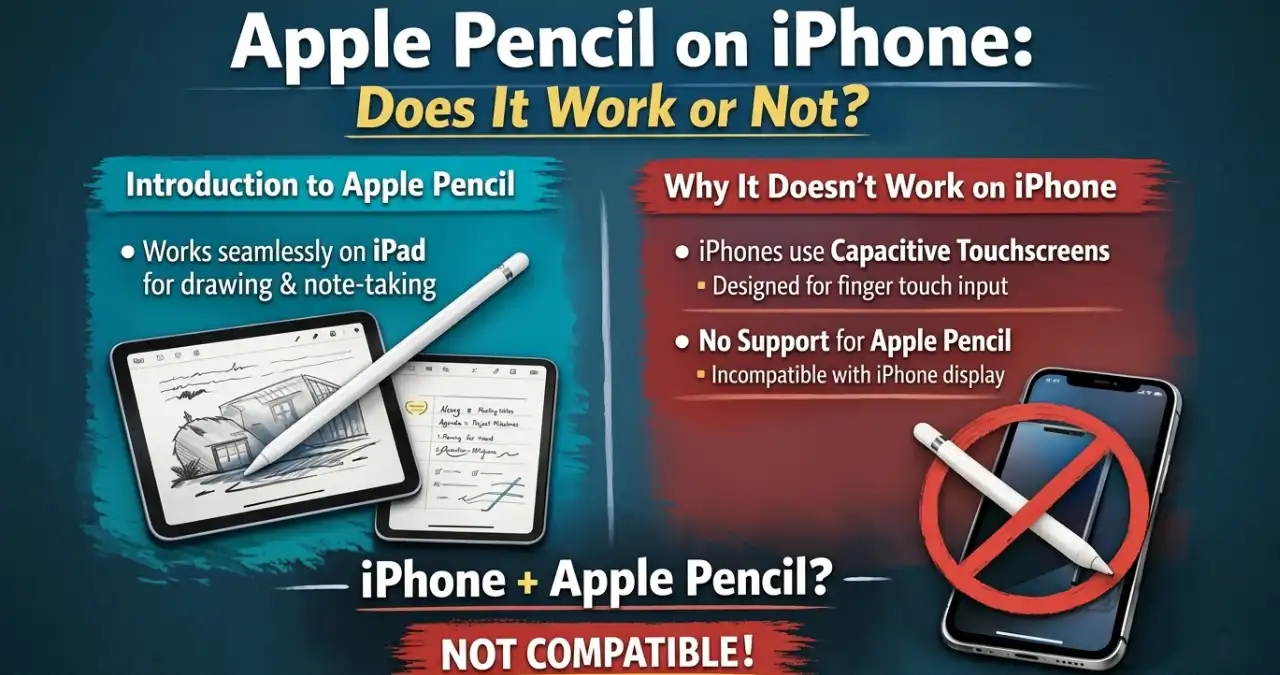
Apple Pencil is a stylus meticulously designed to work on Apple iPads. Its resemblance to a traditional pencil is the reason behind such naming. It works exactly how a traditional pencil does in a notebook. The only difference is that it works on the iPad screen instead of the process of writing something on a page of a notebook.
It is an excellent tool that helps a creative person to draw, edit, and design whatever they want. Even for students, this tool is invaluable to jot down notes on the iPad screen and save them for later. It is beyond doubt that they function effortlessly on iPads. But what if it comes to the iPhone? Do Apple pencils work on iphones?
Why the Apple Pencil doesn’t work on an iPhone
If you have an Apple Pencil and an iPhone both in your hand, then always remember your Apple Pencil never supports your iPhone. Let’s make be simplify. Despite being built on the same iOS device, they don’t build on the same screen technology to support the functioning of the Apple Pencil on the iPhone. Apple Pencils are meticulously engineered to function on iPad Air, iPad mini, and iPad Pro.
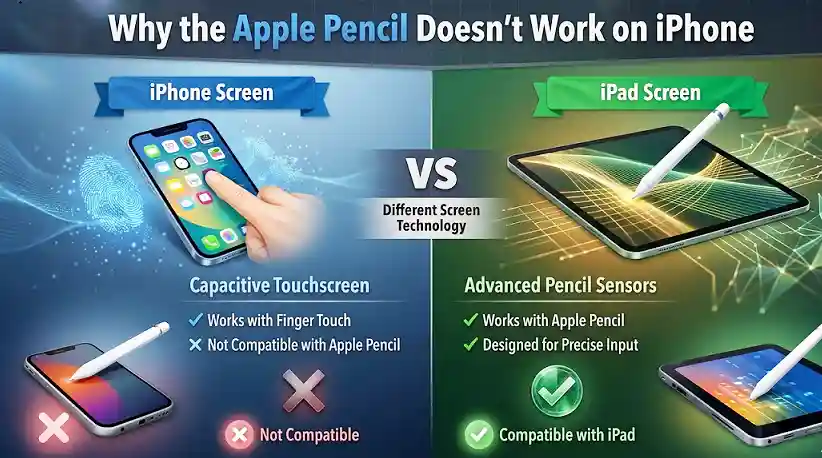
The reason is technical: both use entirely different screen display technologies. Let me explain this to you. iPhones use a capacitive touchscreen that works well with finger touch. This technology makes it possible to work effectively based on taps and gestures, but it is not compatible with the Apple Pencil. In contrast to it, iPad Pro’s display has additional sensors that can detect any input from Apple Pencil to work well with it.
Rationale behind using styles for an iPhone
If you are an iPhone user and somehow miss the precision of your task execution with Apple Pencil, you need not worry. There are plenty of styluses available on the market. Let’s have a look at the tabular information to know why styluses are ideal for use on an iPhone.
| Reason | Summary in brief |
| Precision & Accuracy | Offers pinpoint accuracy for drawing, note-taking, and detailed work. |
| Accessibility & Comfort | Helps users to do their tasks with limited mobility or dexterity by making the iPhone easier to use. |
| Glove-Friendly | Allows full operation while wearing gloves, ideal for cold weather. |
| Cleaner Screen | Reduces fingerprints and smudges, keeping the display cleaner for longer. |
Apple Pencil Alternatives That Work With iPhones
If you are hoping to connect your Apple pencil to your iPhone, that won’t work, so don’t worry about that. You may try some alternatives when you struggle to connect your Apple Pencil to your iPhone due to compatibility issues. Let’s have a look at each.
1. Third-Party Styluses
In the market, some third-party styluses are working fine with your iPhone. Let’s check each of them below.
Mixoo Capacitive Stylus Pen: This device has robust precision and is known for its widest compatibility with maximum touchscreen devices. So if you are opting to connect your iPhone with a third-party stylus, it would definitely help you to make stunning art forms and write your notes on your iPhone device with this third-party tool.
Maylofi Active Stylus Pen: The device is compatible with iPads and iPhones. Still, if you dont have it, no need to worry as it works fine on anything having a capacitive screen.
Adonit Pro 4: This third-party tool features soft touch support to work meticulously on the iOS device seamlessly.
2. Some drawing apps on iPhone
There are several popular drawing tools designed for editing and drawing images on your iPhone. Procreate Pocket app, notes app, and Sketchbook® Draw are some of them to transform your artwork to the next level. Even though you dont have access to your apple pencils this tools can allow you to do your work by its precision touch control.
Wrapping up
In a nutshell, Apple Pencil is a worthy tool for anyone who opts to transform their creative and artistic prowess to the next level or dimension. The iPad-compatible Apple Pencil won’t work on an iPhone. Even though it is incompatible with the iPhone, there are some alternatives like Third-Party Styluses and drawing apps to do the job for the user. So I think you know all about Apple Pencil and its compatibility insight on iPhone. If you like the information, do share and comment.
Frequently asked questions (FAQs)
No, as they are incompatible, you never connect an Apple Pencil to an iPhone.
Samsung S Pen is not working on an iPhone. Samsung pens are compatible with the online-supported Samsung device.
At present, there are 4 versions of apple pencil availability in the market to purchase.