
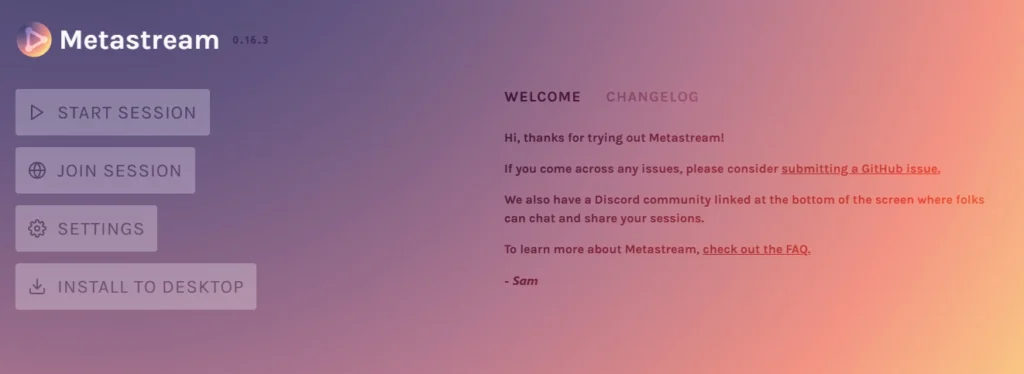
Watching a video “together” when you’re miles apart usually means counting “3, 2, 1, play” over a call. Metastream solves that. It’s a free, open-source tool that keeps everyone’s video in sync, with a chat on the side.
Here’s how it works, what it can and can’t do, and which alternatives to try if it doesn’t fit.
What is Metastream?
Metastream is a watch-party tool. You create a session, invite friends with a link, and add videos to a shared queue. When the host plays, pauses or skips, everyone’s video follows.
It started as a desktop app, but the current version runs as a web app in Chromium-based browsers (like Chrome and Edge) and Firefox. The old desktop app is described by the project as insecure and not recommended, so stick to the web version.
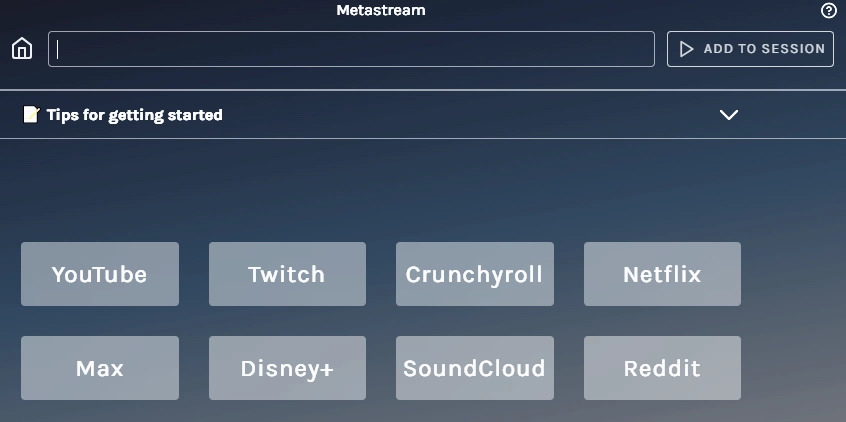
How to start a Metastream session
- Open the Metastream web app in Chrome, Edge or Firefox.
- Choose a username and create a new session.
- Copy the invite link and send it to your friends.
- Paste a video link into the queue, for example a YouTube video.
- Press play. Everyone in the session watches in sync and can chat alongside.
What can you watch?
Metastream works best with publicly available web videos, such as YouTube and other sites that play in a normal browser player.
Netflix and other paid streaming services are a different story. These services use DRM (copy protection), and the project’s own notes say development of the original desktop app stopped because of problems getting the licence needed for protected video. If your main goal is Netflix, Disney+ or Prime Video, use the official watch-party features or the alternatives below.
Is Metastream safe?
The web version is open source, which means its code is public. As with any tool:
- Only join sessions from people you know.
- Avoid the old desktop app.
- Don’t paste private links or personal information into a shared session.
Best Metastream alternatives
| Tool | Best for | Notes |
|---|---|---|
| Watch2Gether | YouTube and quick watch parties | Free, works in the browser, no account needed |
| Teleparty | Netflix, Disney+, Prime Video and more | Browser extension. Everyone needs their own subscription |
| Discord screen share | Groups who already chat on Discord | Share your screen and talk at the same time |
| Syncplay | Video files you each have on your computer | Free, open source, syncs local media players |
| OpenTogetherTube | Open-source alternative to Metastream | Free, browser-based |
| Built-in features | Prime Video Watch Party, SharePlay on Apple devices | Official and DRM-friendly |
Tips for a better watch party
- Use a wired or strong Wi-Fi connection if you’re the host.
- Start a voice call separately (Discord, WhatsApp or Meet) so reactions feel natural.
- Agree on the queue in advance to avoid long pauses.
Frequently asked questions
Is Metastream free? Yes. Metastream is free and open source.
Does Metastream work with Netflix? Not reliably. Netflix uses DRM protection, which is why tools like Teleparty or official watch-party features work better.
Does Metastream need a browser extension? The current web app runs in Chromium-based browsers and Firefox. Some sites may need extra steps, so check the app’s instructions when you start.
Can I use Metastream on my phone? It’s designed for desktop browsers. For phones, an app like Watch2Gether or a platform’s own watch-party feature works better.
Related guides on WebTechHelp
- YouTube Competitors in 2026: 8 Platforms for Creators and Viewers
- Multipoint Control Unit (MCU) Explained: How It Works, Pros, Cons and MCU vs SFU
- How to use FaceTime on Android
Sources
- Metastream on GitHub: bissy/metastream
- AlternativeTo: Metastream alternatives