

AI has moved from novelty to an everyday tool for small businesses remarkably quickly. The U.S. Chamber of Commerce reported that 58% of small businesses used generative AI in 2025, up from 23% in 2023, and marketing is one of the most common places they start.
As someone who works with AI and business strategy every day, I’ve seen AI save small teams hours each week. I’ve also seen it produce bland content, wrong facts, and off-brand images that do more harm than good. The difference is how you use it. In this guide, I’ll go through the marketing jobs where AI genuinely helps, examples of tools for each, and the guardrails you need.
Start with the job, not the tool
New AI tools launch every week, and most do similar things. Instead of collecting subscriptions, list your marketing tasks and ask where you lose the most time:
- Writing social posts, emails, and product descriptions
- Making graphics and short videos
- Researching keywords and topics
- Running and testing ads
- Answering repetitive customer questions
- Analysing results
Then pick one or two tools for your biggest time drains and learn them properly.
1. Writing and research assistants
Examples: ChatGPT, Claude, Google Gemini, Microsoft Copilot
General AI assistants are the most flexible tools for small businesses. Good uses:
- First drafts of social posts, emails, ad copy and product descriptions
- Turning a blog post into ten social posts or a newsletter
- Brainstorming content ideas and FAQs from customer questions
- Summarising long documents, reviews or survey answers
- Rewriting text for different audiences or a simpler reading level
- Translating marketing copy (always have a native speaker check important text)
How to get better results: give context. Tell the assistant who your customers are, your tone of voice, the product details, the goal of the piece, and an example you like. Then edit the output. AI drafts are a starting point, not a finished article.
2. Design and images
Examples: Canva (with its AI features), Adobe Express and Firefly, AI image generators
AI design features can remove backgrounds, resize designs for every platform, suggest layouts, and generate images from text. For small businesses without a designer, this is a huge time saver.
Guardrails:
- Keep a simple brand kit (logo, colours, fonts) so AI outputs stay consistent.
- Use real photos of your products, team, and work wherever possible. Customers trust real images more than generated ones.
- Never generate images that pretend to be real customers, real reviews, or real results.
3. Video
Examples: CapCut, Descript, Canva video, built-in tools in Instagram and YouTube
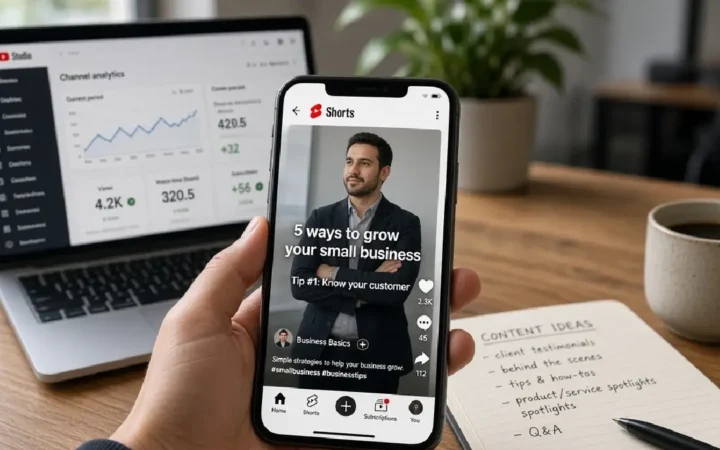
AI video tools add automatic captions, cut silences, remove background noise, suggest clips from long videos, and resize for vertical formats. They make it practical to post short videos regularly. See my guide to YouTube Shorts for business for what to post.
4. Advertising platforms’ built-in AI
Examples: Meta Advantage+ (audience, creative and sales campaigns), Google Ads Performance Max and AI-powered search campaigns
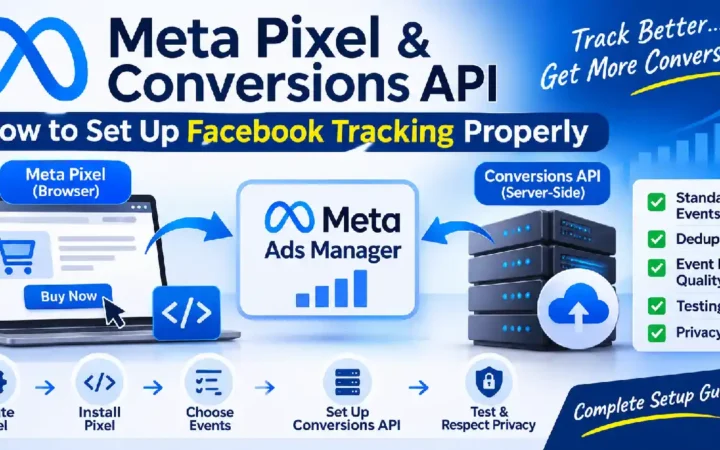
Ad platforms now use AI to choose audiences, placements, bids and creative combinations. For small budgets, these automated options often perform well, as long as your conversion tracking is right. The AI optimises for whatever you measure, so broken tracking leads to wasted spend.
Useful guides:
5. Email marketing
Most email platforms now include AI to write subject lines, draft emails, suggest send times, and segment subscribers. Use it to speed up drafting and testing, but keep the personal touch: small businesses win on relationships, not volume. My email marketing guide covers the fundamentals.
6. SEO and content planning
AI can help you:
- Group keywords into topics and plan content clusters
- Draft outlines, meta descriptions, and FAQs
- Spot gaps in existing articles
- Suggest internal links
But be careful. Google’s guidance says it rewards helpful, reliable content regardless of how it’s produced, and treats content made mainly to manipulate rankings as spam, whether AI wrote it or not. Mass-producing thin AI articles is a fast way to waste time and damage your site. Use AI to work faster on genuinely useful content, and add your own experience, examples, and checking. See my guides to keyword research and SEO for AI search.
7. Customer service and chat
AI chatbots on your website, WhatsApp, or social inboxes can answer common questions (opening hours, delivery, prices) instantly and pass complex conversations to a person. Start small: train the bot on your FAQs, set a clear handover to a human, and review conversations weekly. My WhatsApp Business marketing guide covers automated replies.
8. Analytics and reporting
AI assistants can help you interpret exported data from Google Analytics, ad platforms, or your CRM: spotting trends, summarising what changed, and suggesting next steps. GA4 also has built-in insights. Always sanity-check conclusions against the actual numbers.
The risks to manage
| Risk | What to do |
|---|---|
| Wrong facts | Check every statistic, price, date and claim before publishing |
| Bland, generic content | Add your own experience, examples and opinions |
| Privacy | Don’t paste customer personal data or confidential information into tools that may use it for training; check settings and plans |
| Copyright and likeness | Don’t imitate other brands’ logos or characters, or real people’s voices or faces |
| Brand voice drift | Write a short tone-of-voice guide and give it to the AI each time |
| Over-automation | Keep a human in the loop for anything customer-facing |
A simple 30-day plan to get started
- Week 1: Pick one assistant and use it to draft a week of social posts. Edit and publish.
- Week 2: Turn one blog post or video into multiple pieces of content with AI help.
- Week 3: Use AI captions and resizing for short videos.
- Week 4: Review time saved and results, then decide which tool is worth paying for.
Frequently asked questions
For many tasks, yes. Paid plans add higher limits, better models, team features, and stronger privacy controls. Upgrade once a tool proves its value.
It changes the work more than it replaces people. Strategy, judgement, relationships, and real-world experience still need humans.
Be honest where it matters, such as when a customer is chatting with a bot. Many businesses also add a short note to their website about how they use AI.
Google says it focuses on content quality, not how it was produced. Low-value content made to manipulate rankings is a problem whether AI or a human wrote it.
Related guides on WebTechHelp
- Content marketing guide
- Social media marketing for beginners
- Facebook ads for beginners
- Email marketing for beginners
- SEO for AI search
Sources
- Capsule CRM: Small business AI adoption statistics (citing U.S. Chamber of Commerce, 2025)
- Google Search Central Blog: Google Search’s guidance about AI-generated content
- Google Search Central: Spam policies for Google web search (scaled content abuse)