
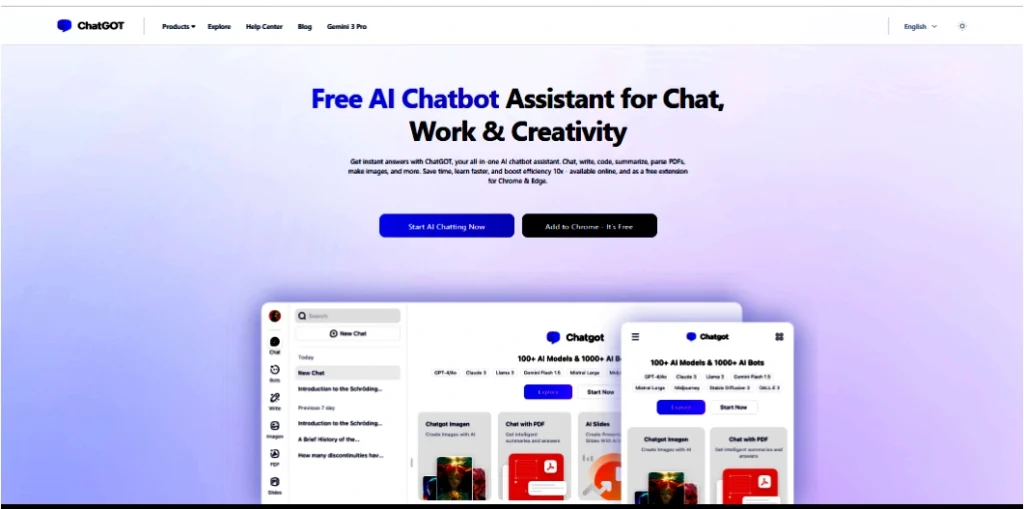
Paying for ChatGPT, Claude and Gemini separately adds up quickly. ChatGOT is one of a growing group of “AI aggregator” apps that put several AI models in one place, for one subscription.
In this review I’ll explain what ChatGOT does, what you get free, what it costs, and the questions I’d ask before relying on it for business work.
What is ChatGOT?
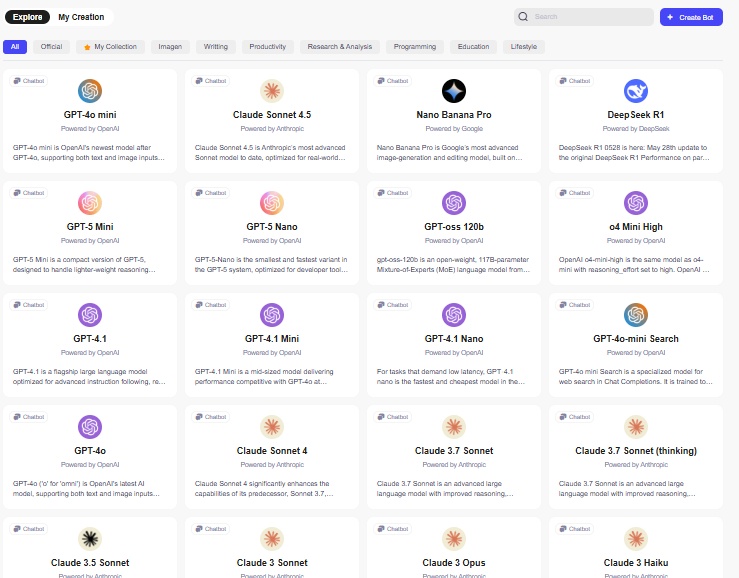
ChatGOT is a web-based AI assistant that lets you chat with several AI models from different companies in one interface. Reviews in 2026 list models from OpenAI (GPT), Anthropic (Claude) and Meta (Llama), and the available models change over time.
The appeal is simple: instead of switching between apps, you pick a model, or compare answers from several models side by side.
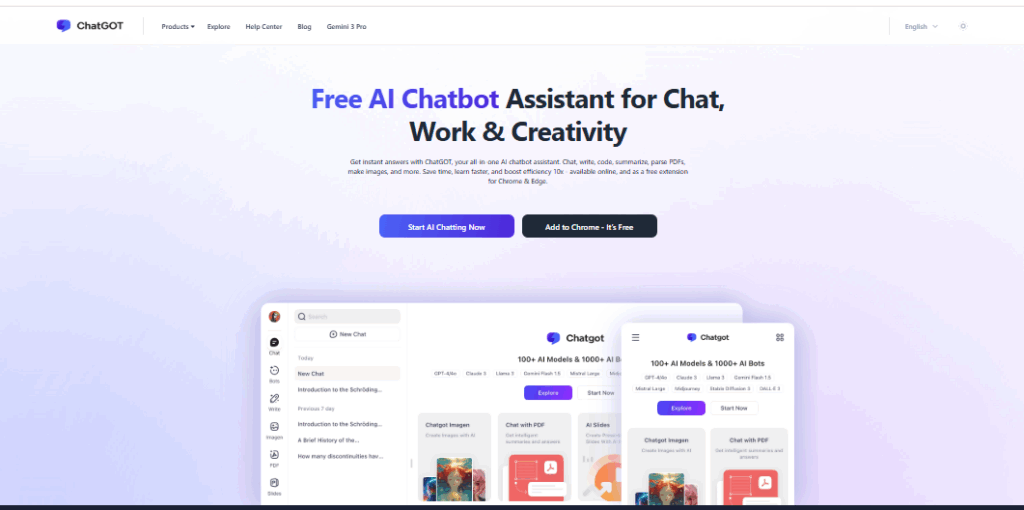
Key features
- Multi-model chat: switch models mid-conversation, or ask the same question to several models and compare answers.
- Chat with PDFs: upload a document to summarise it, ask questions and get page references.
- AI slides: turn an outline or topic into a presentation draft.
- Image generation: create images from text prompts.
- Writing tools: rewriting and tone tools for emails, posts and articles.
ChatGOT pricing
ChatGOT has a free tier with a small daily limit on standard requests, and paid plans that unlock more advanced models and higher limits. A 2026 review listed Pro at about $9.90 per month and Max at about $15.90 per month, with image credits counted separately.
Prices and limits change often, so check the current pricing page before you subscribe.
Pros and cons
| Pros | Cons |
|---|---|
| Several AI models in one app | Daily limits on the free plan |
| Compare answers side by side | May not get every model’s newest features as quickly as the official apps |
| Useful extras: PDF chat, slides, images | Can slow down at peak times |
| Cheaper than several separate subscriptions | Less transparency than the official apps about data handling |
Is ChatGOT safe for business use?
This is the question I’d think about most carefully. When you use an aggregator, your prompts and files pass through the aggregator and the AI company behind the model you pick. Before you upload anything sensitive:
- Read the privacy policy and check whether your data is used for training.
- Don’t upload confidential documents, client data or passwords.
- For company-wide use, consider business plans from the AI companies themselves, which usually offer clearer data protections.
For personal learning, drafting and comparing models, an aggregator can be very handy.
Who should use ChatGOT?
- Students and casual users who want to try different AI models cheaply
- Writers and marketers who like comparing outputs before choosing one
- Anyone curious which AI model is best for their kind of task
If you mainly use one model all day, the official app for that model is usually the better choice.
ChatGOT alternatives
- Poe (by Quora): another popular multi-model app
- Official apps: ChatGPT, Claude and Gemini each have free tiers
- Perplexity: strong for research questions with sources
Frequently asked questions
Is ChatGOT free? Yes, there’s a free tier with a daily request limit. Advanced models and higher limits need a paid plan.
Is ChatGOT made by OpenAI? No. ChatGOT is an independent service that gives access to models from several companies, including OpenAI.
Do I need to sign up? Reviews say you can try it without signing up, but an account is needed for paid plans and saved history.
Related guides on WebTechHelp
- How ChatGPT generates responses
- Janitor AI Explained: How It Works, Is It Free, and Is It Safe?
- Why AI humanizers don’t work
Sources
- UC Strategies: ChatGOT Review 2026 (updated June 2026)
- Dupple: ChatGOT review (July 2026)