Grammarly is one of the most common writing tools on student laptops. It fixes spelling and grammar, but it now also has AI features that can rewrite whole paragraphs, and that’s where students can run into trouble with school rules.
In this guide I’ll explain what Grammarly Free and Pro give you, whether there’s a student discount, how the free Authorship feature can protect you from false AI accusations, and how to use Grammarly safely for assignments.
Grammarly Free vs Pro
| Grammarly Free | Grammarly Pro | |
|---|---|---|
| Spelling and grammar | Yes | Yes |
| Tone detection | Yes | Yes, plus tone rewrites |
| Full-sentence rewrites | No | Yes |
| AI prompts | Limited (about 100 a month) | About 2,000 a month |
| Plagiarism and AI-text checks | No | Yes |
| Authorship | Yes | Yes |
| Price | $0 | About $12/month billed yearly, or about $30 month to month |
Pro pricing above comes from independent price checks in August 2026. Grammarly changes plans and prices often, and they vary by country, so check grammarly.com/plans before you pay.
Is there a Grammarly student discount?
As far as I can tell, no. Independent checks in August 2026 found that Grammarly’s own plans and student pages don’t advertise a student discount. Be careful with coupon sites claiming “students save 20%”.
What many students do have is Grammarly for Education, which schools and universities buy for their students. Ask your school or check your student email portal before paying for Pro yourself.
Grammarly Authorship: your evidence if you’re accused of using AI
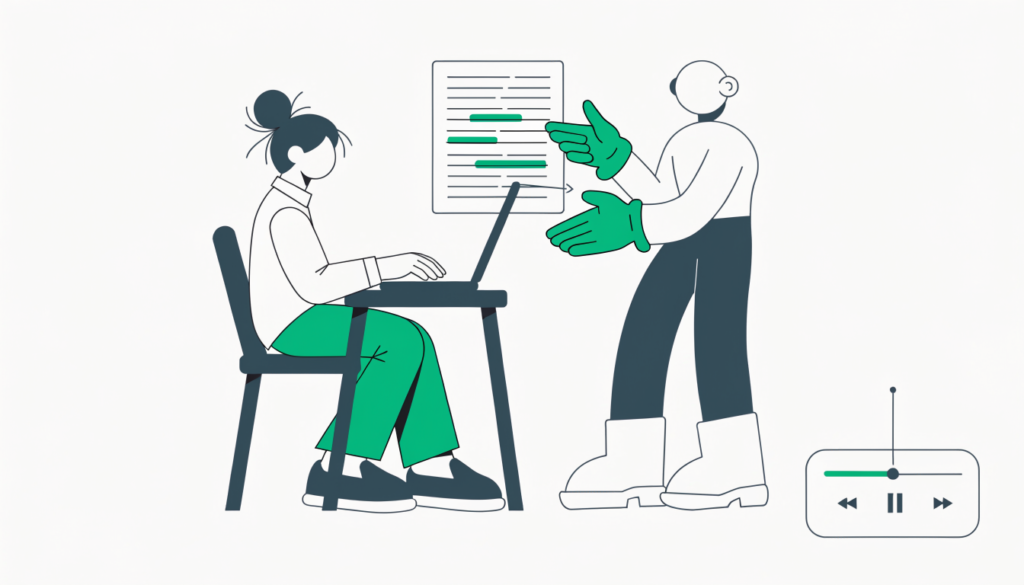
This is the feature I’d tell every student about. According to Grammarly, Authorship records how your document was written: what you typed, what you pasted, and what came from AI. It can then create a report showing the source of each sentence, plus a replay of how the document developed from first draft to final edit.
Key points from Grammarly’s Authorship page:
- It’s available on Grammarly Free and Pro.
- It works in Google Docs (with the Grammarly browser extension), Microsoft Word (with the desktop app), the Grammarly Editor and some LMS submissions such as Canvas.
- You choose whether to share the report. Grammarly doesn’t send it to your teacher automatically.
Why does this matter? AI detectors only look at the final text, and they can be wrong. I explain why in Are AI detectors accurate? and Does Turnitin detect AI?. A record of your writing process is far stronger evidence than arguing with a percentage.
Is using Grammarly cheating?
It depends on what you use and your school’s rules.
- Spelling, grammar and punctuation fixes are usually fine. They’re like a spellchecker.
- AI rewrites and generated paragraphs may count as AI use. Some teachers allow them, some don’t, and some require you to say you used them.
- Grammarly’s AI detector (in Pro) is not proof of anything. Treat it as a rough signal only.
My advice: read your course’s AI policy, ask your teacher if it’s unclear, and keep Authorship turned on for important work. For the bigger picture on AI at school, see How to use ChatGPT for school.
How to set up Grammarly for school work
- Sign up at grammarly.com. Use your school email if your school has Grammarly for Education.
- Install the browser extension for Google Docs and websites, or the desktop app for Word.
- Turn on Authorship before you start writing important assignments.
- Set your goals (audience, formality) so suggestions match academic writing.
- Review each suggestion yourself. Don’t click “accept all”.
Is Grammarly Pro worth it for students?
For most students, Grammarly Free plus Authorship is enough. Pro makes sense if you write a lot of long essays, want full-sentence rewrites, or your school allows AI assistance and you’d use the extra prompts. If your school already pays for Grammarly for Education, you don’t need to buy it.
Frequently asked questions
Is Grammarly free for students? The free plan is free for everyone. Some schools also give students Grammarly for Education at no cost.
Can teachers tell if I used Grammarly? Simple corrections usually can’t be spotted. Heavy AI rewrites may be flagged by AI detectors, which is why keeping an Authorship record helps.
Does Grammarly have a plagiarism checker? Yes, on Grammarly Pro.
Does Grammarly Authorship work in Google Docs? Yes, through the Grammarly browser extension.
Related guides on WebTechHelp
- QuillBot for students: is it cheating, and is Premium worth it?
- Are AI detectors accurate?
- Does Turnitin detect AI?
- How to use ChatGPT for school
Sources
- Grammarly: Authorship
- CASRAI: Grammarly Premium pricing (checked August 2026)
- CASRAI: Grammarly student discount (checked August 2026)