Yes, Turnitin can flag AI-written text, but it isn’t perfect and it isn’t proof. If your school has the right Turnitin licence, your teacher may see an AI writing score next to the usual similarity score when you submit an essay.
In this guide I’ll explain how Turnitin’s AI detection works, what the numbers mean, how often it gets things wrong, and what to do if your work is flagged. I’ve based it on Turnitin’s own guides and help center.
How Turnitin’s AI detection works
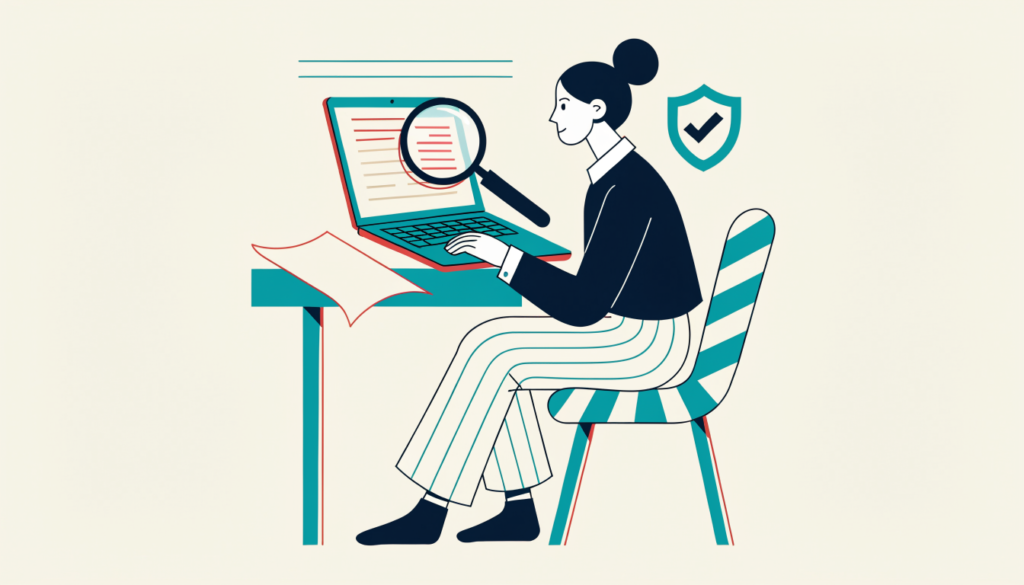
When you submit through Turnitin, it creates a Similarity Report (matching text against other sources). If your institution has an AI-detection licence, the report also includes an AI writing indicator. Your teacher can open it to see:
- a percentage estimate of how much of the text is likely AI-generated
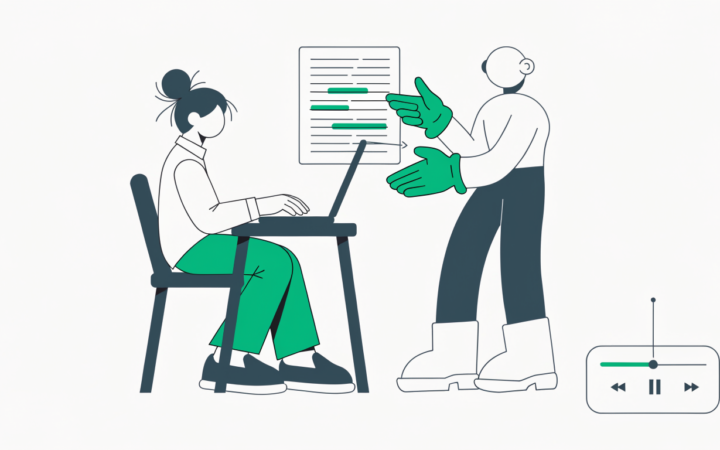
- highlighted passages the model thinks were AI-written
- in English, a separate category for text that was likely AI-generated and then changed by a paraphrasing tool (for example QuillBot)
Turnitin doesn’t compare your text with ChatGPT’s history. It looks at patterns in the writing itself and estimates how likely it is to be machine-generated.
Can students see their Turnitin AI score?
Usually not. Turnitin’s help center says AI writing reports are not visible to students. Instructors can download the report and share it with you if they choose.
What does *% mean on Turnitin?
If Turnitin detects some AI writing but less than 20%, it shows an asterisk, *%, instead of a number. Turnitin says results in the 1–19% range are less reliable because false positives are more likely there, so it doesn’t attribute a percentage. Reports created before 8 July 2024 may still show a number below 20%.
When Turnitin can’t check for AI
Turnitin’s file requirements say a submission needs:
- at least 300 words of long-form prose, and no more than 30,000 words
- a .docx, .pdf, .txt or .rtf file under 100 MB
- a supported language (English plus a limited set of others)
Short answers, bullet lists, code and tables are not what the detector is designed for.
How accurate is it? False positives explained
Turnitin has been open that the tool can be wrong. In a 2023 update, its chief product officer said:
- for documents with more than 20% AI writing, the document-level false positive rate was under 1%
- the sentence-level false positive rate was about 4%, and wrongly flagged sentences were often next to real AI text
Under 1% sounds small, but across millions of essays it means real students can be flagged for work they wrote themselves. Turnitin’s own guide says the model “may not always be accurate” and should not be used as the sole basis for adverse actions against a student. For a wider look at the problem, see my guide Are AI detectors accurate?
What to do if Turnitin flags your work
- Stay calm and ask to see the report. Ask which passages were highlighted.
- Show your process. Version history in Google Docs or Word, notes, outlines and drafts are strong evidence. Tools like Grammarly Authorship can record what you typed and pasted.
- Explain your sources and any tools you used, including Grammarly or translation tools.
- Offer to talk through your work. Being able to explain your argument is convincing.
- Follow your school’s appeal process if needed, and read its academic integrity policy.
How to avoid problems in the first place
- Know your school’s AI rules. Some courses allow AI for brainstorming; others don’t allow it at all.
- Write in a tool that keeps version history, such as Google Docs or Word on OneDrive.
- If you use AI where it’s allowed, say so. My guide on how to use ChatGPT for school covers sensible ways to do this.
- Don’t rely on “AI humanizer” tools. They don’t make AI work your own, they may break school rules, and Turnitin now looks for AI-paraphrased text too.
Frequently asked questions
Can Turnitin detect ChatGPT? It’s designed to flag text that looks AI-generated, including from ChatGPT, but it can miss some AI text and wrongly flag some human text.
Does Turnitin detect QuillBot? In English, Turnitin has a category for text that was likely AI-generated and then changed by a paraphrasing tool such as QuillBot.
Can I check my own work on Turnitin for AI? Generally no. AI reports are for instructors and aren’t visible to students.
Is a Turnitin AI score proof of cheating? No. Turnitin says it shouldn’t be the sole basis for action against a student.
Related guides on WebTechHelp
- QuillBot for students: is it cheating?
- Are AI detectors accurate?
- Grammarly for students: free vs Pro and Authorship
- How to use ChatGPT for school
Sources
- Turnitin Guides: AI writing detection in the classic report view
- Turnitin Guides: File requirements for an AI writing report
- Turnitin Help Center: Why is the AI writing detection score showing as *%?
- Turnitin Help Center: Why can’t I see the AI writing detection report?
- Turnitin: AI writing detection update from Turnitin’s chief product officer (May 2023)