Point your phone at a maths problem, and Photomath shows the answer with every step. It’s one of the most popular homework apps around, which also makes it one of the most argued about.
In this guide I’ll explain how Photomath works, what you get free and with Photomath Plus, how accurate it is, and how to use it so it actually helps you learn.
What is Photomath?
Photomath is a maths-solving app for iPhone and Android. It was founded in 2014 in Croatia by Damir Sabol, and Google acquired it in 2023. It still runs as its own app.
It covers school maths from arithmetic and algebra through geometry, trigonometry, statistics and basic calculus.
How Photomath works
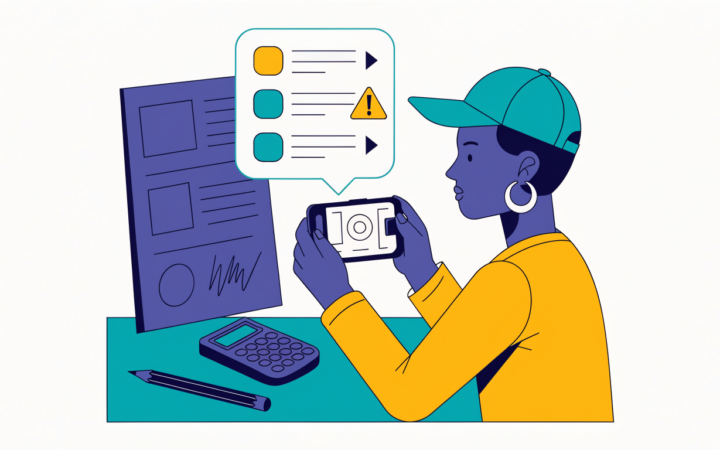
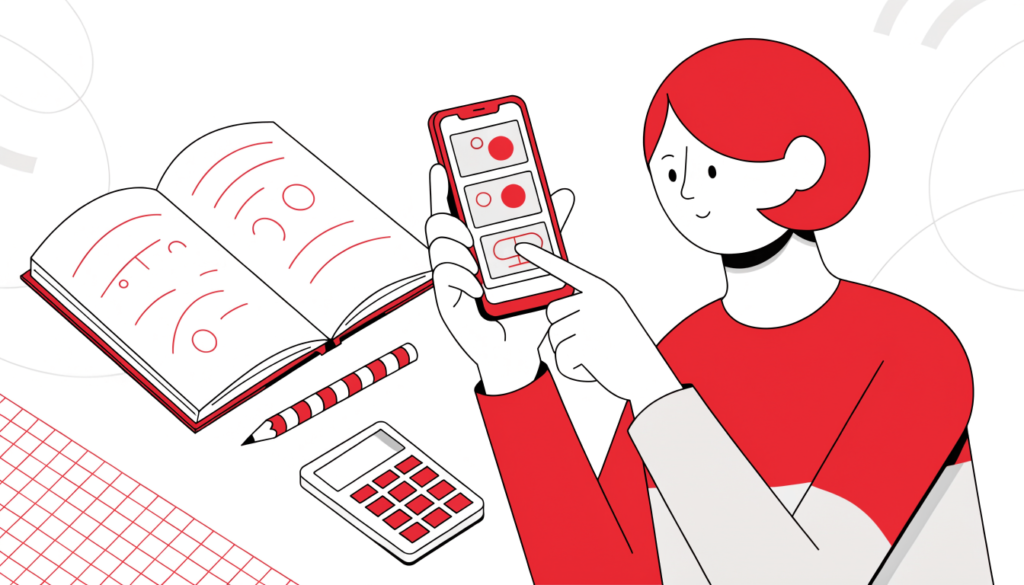
- Open the app and point your camera at a printed or handwritten problem.
- Photomath reads it using text recognition, and you can crop or edit it if it misreads anything.
- It shows the answer and step-by-step solution.
- Tap a step to see more explanation.
You can also type problems into its built-in smart calculator.
Tip: printed problems scan reliably. Messy handwriting, especially fractions, is hit and miss, so check that the problem on screen matches yours before you trust the answer.
Free vs Photomath Plus
| Free | Photomath Plus | |
|---|---|---|
| Camera scanning and typed problems | Yes | Yes |
| Step-by-step solutions | Yes | Yes |
| Extra “how and why” explanations | Basic | Yes |
| Animated tutorials | No | Yes |
| Textbook-matched solutions | No | Yes |
| Price | Free | About $9.99/month or $69.99/year in the US |
Prices come from 2026 reviews and vary by country and app store. Check the app before you subscribe, and note that Plus renews automatically.
How accurate is Photomath?
For typical school maths, reviewers find it reliable. It’s weaker on:
- word problems, where it has to work out what the question is asking
- unclear photos or handwriting
- advanced university maths and engineering problems
Always compare its working with what your teacher showed you.
Is using Photomath cheating?
It depends on how you use it. Copying answers into homework teaches you nothing, and many teachers can tell when working doesn’t match how they taught a topic. Reviewers also point out that the app “solves” rather than builds long-term skills.
Used well, though, it’s like having a patient tutor who shows working on demand.
How to use Photomath to learn
- Try the problem first, then use Photomath to check your answer.
- When you’re stuck, look at one step only, then carry on yourself.
- Read the explanation for each step, not just the answer.
- Redo the problem without the app a day later to see if it stuck.
- Follow your teacher’s rules. Some don’t allow solver apps for homework or tests.
The same principles apply to AI homework help. See my guides on how to use ChatGPT for school and Google Gemini for students.
Frequently asked questions
Is Photomath free? Yes. Scanning and step-by-step solutions are free. Photomath Plus adds animated tutorials and textbook solutions.
Who owns Photomath? Google, which acquired it in 2023.
Can Photomath solve word problems? Sometimes, but it’s less reliable with word problems than with written equations.
Is Photomath good for calculus? It handles school-level calculus well, but reviewers say it’s less reliable on advanced university and engineering maths.
Related guides on WebTechHelp
- Gauth AI review: is it accurate and safe?
- How to use ChatGPT for school the right way
- Google Gemini for students
- Are AI detectors accurate?
Sources
- My Engineering Buddy: Photomath review 2026: free tier, pricing and Google acquisition
- Nibble: Photomath app review 2026 (updated October 2026)