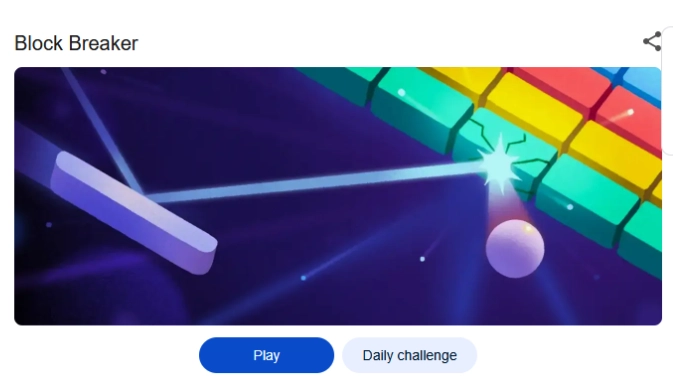
Google Block Breaker is a browser game requiring no download. This strategy game just needs brick-breaking action led by a bouncing ball for leveling up. Meanwhile, this browser game comes from inspiration by Atari Breakout, which was a classic hit of 70s decade.
Google has renovated the retro game with entertaining gameplay, with stunning, cool, and colorful graphics to make users feel more engaged with the strategy gameplay. Sound interesting, right? So, let’s have a look at the strategy game of Google, how to access, steps to play, and also tactics to score high.
What Is Google Block Breaker?
Google Block Breaker is an online game that comes under Google Doodle games, making a perfect blend of classic feel with casualness. This strategy game challenges your reflexes. The main purpose?
This game demands bouncing a ball to smash blocks on the gaming screen. Moreover, each level becomes harder while the balls get faster than before. The game has 150 meticulously designed levels, while users explore newer block types for breaking through the bouncing balls during the level-up of the game.
How to Access Google Block Breaker
Accessing the strategy game Google Block Breaker is not a hard nut to crack, as the retro game does not require installation or downloading to experience it. It’s much simpler and easier. Here, I mention a stepwise process to play the games for both desktop and mobile users.
💡 Steps to Play on Desktop
👉 Open your preferred browser: Open Google on any of your favorite browsers. It may be Google Chrome, Mozilla, Internet Explorer, or the Brave browser.
👉 Type the name of the game: Now typing in the search bar for “block breaker Google game” or “Google Block Breaker” shows you the fun-loving interactive doodle game on top of your browser search results.
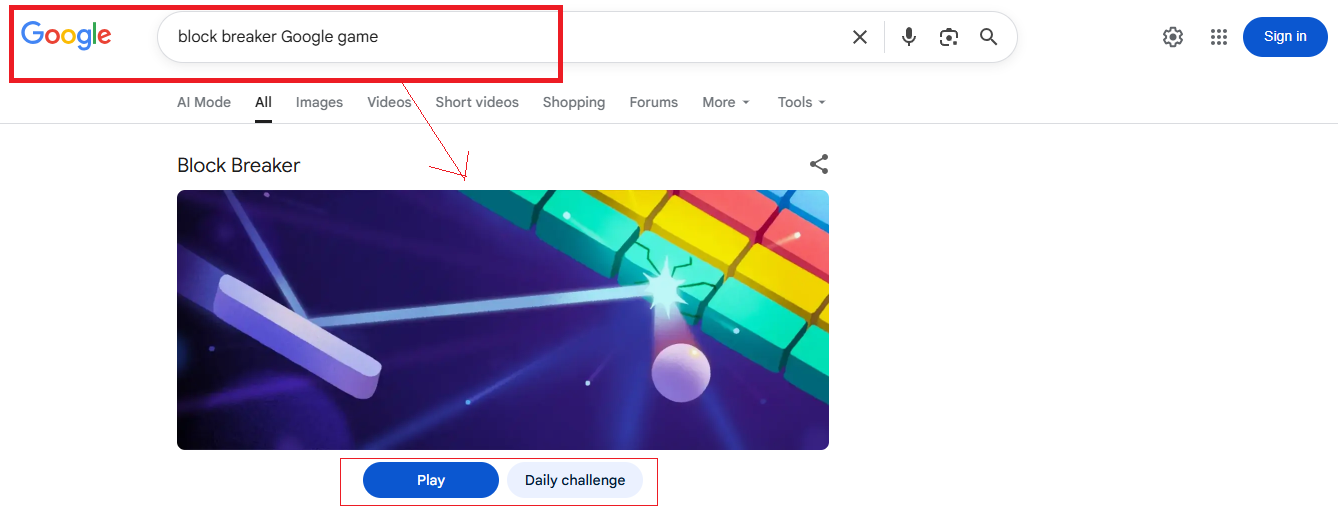
👉 Start enjoying the game by clicking on the game browser page: Click the browser page, and start enjoying the strategy game, Google Block Breaker.
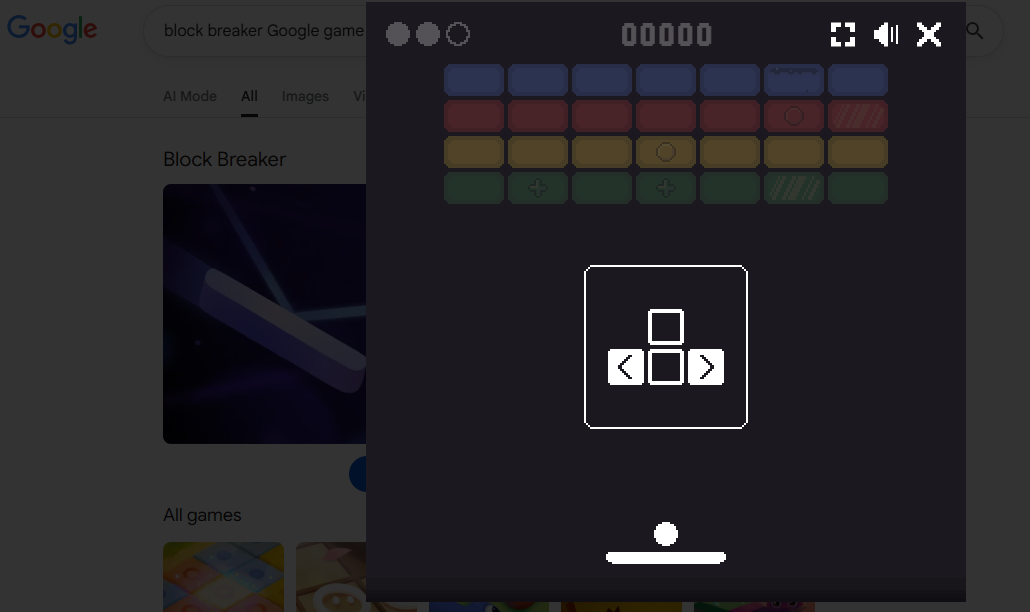
💡 Steps to Play on Mobile
If you dont have a desktop of your own, then no need to worry as the game is also available for phone users too. Just need internet connectivity and smartphone access to enjoy the Strategy game. That’s all.
👉 Open mobile browser: Go to your mobile browser or app, or just type Google over there.
👉 Type the name of the game: Now type on your phone, Browser search tab about “block breaker Google doodle” or “Google doodle Block Breaker game”.
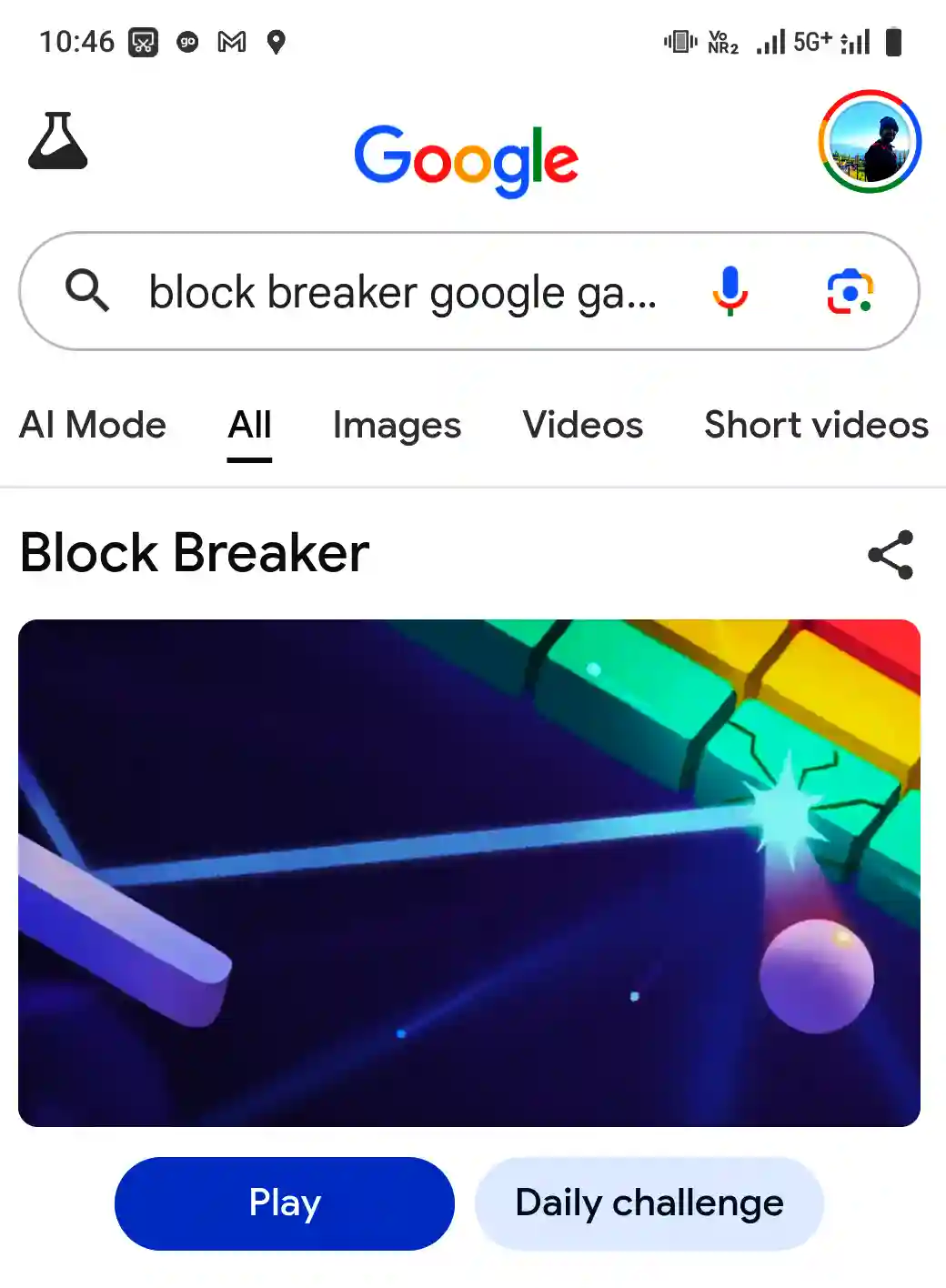
👉 Start the session after the doodle appears on the phone screen: Immediately after the doodle appears on your phone screen, just start the session to enjoy the captivating gameplay.
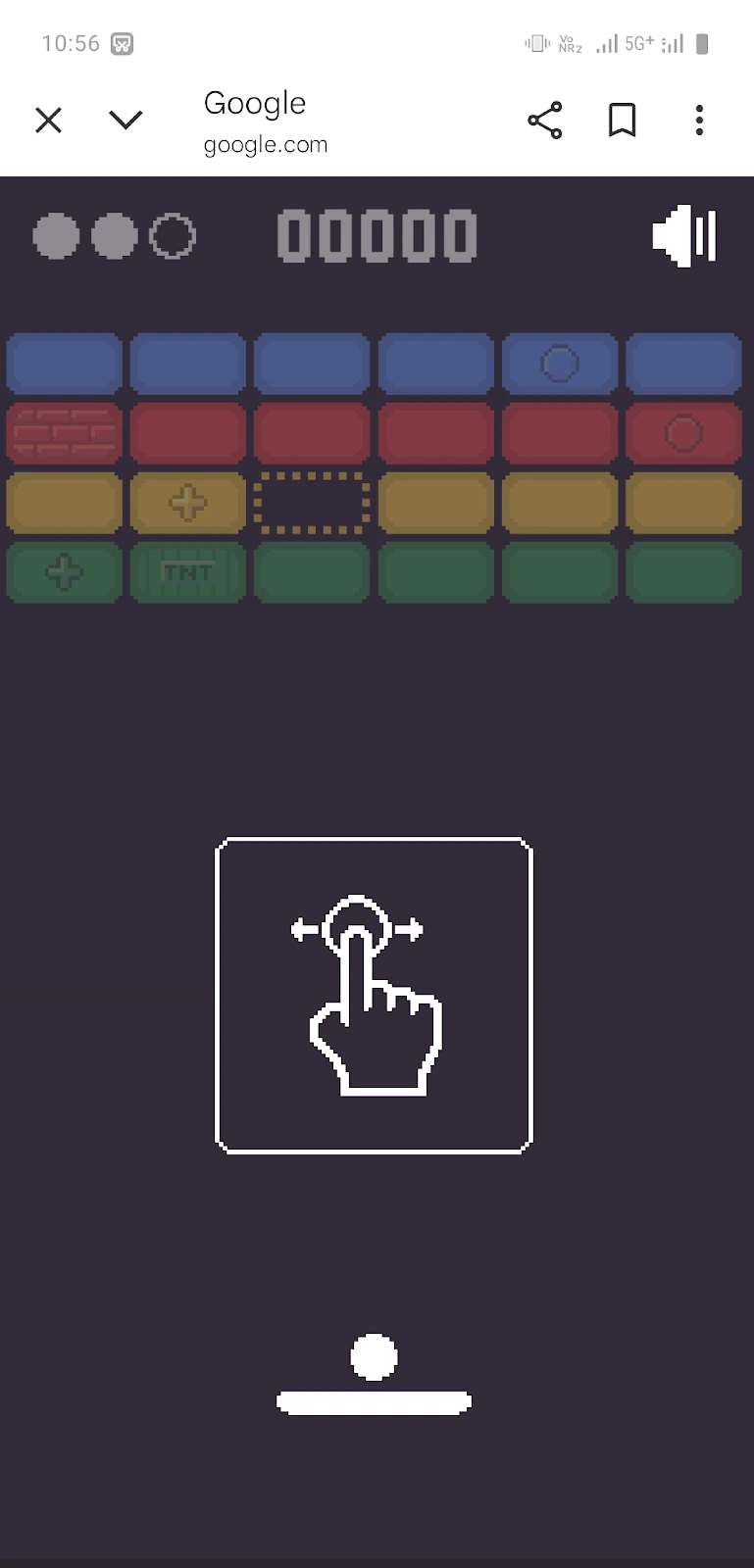
| Quicker access guide✅What is Google Block Breaker actually? Browser-based game sourcing inspiration from Atari Breakout.✅Controls: For desktop users, it is the arrow key, while swipe gestures work for mobile users. ✅How to play: Go to Google → type “Block Breaker” → Click the Play button✅ Goals: Brick-breaking action led by a bouncing ball without letting it fall |
Gameplay Mechanics
Understanding the game-play rules helps users to score higher and easily hold a grip in the gameplay.
💡 Basic tenet of the strategy game
✔️ Paddle control, which is located at the bottom of the screen
✔️ Preventing the bouncing ball from hitting the bottom, aiming to break as many blocks as possible.
✔️ Level up requires clearing all the blocks seen on the screen of the strategy gameplay.
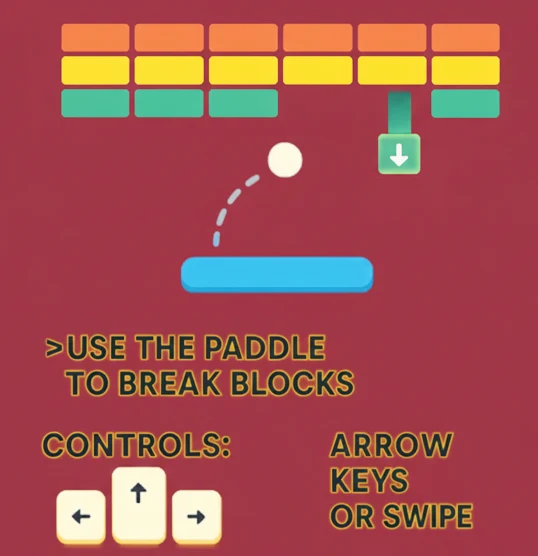
Alt text: The image shows what the games look like while playing.
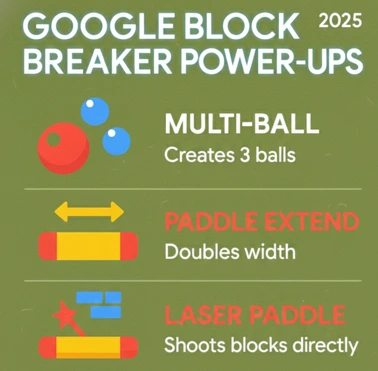
💡 Power-up tactics, Scoring outcome, and Impact on Gameplay
| Power-Up tactics | Key insight unveiled | Impact on Gameplay | Scoring outcome |
| Multi-Ball | Addition of multiple balls on the screen | Despite Faster block-clearing, still more disruption or chaos in gameplay | Directly ↑ score |
| Paddle Extension | paddle length increased | Easier to be hit by the bouncing ball on the blocks | Indirectly ↑ score |
| Laser | a laser shot blocks directly | Appropriately relevant for precision-based clearing | Efficient enough to target blocks that are hard to reach |
Tactics for Achieving High Scores in Google Block Breaker
👉 Gain mastery over paddle control: if you want to achieve high Scores in Google Block Breaker, you need to have mastery over paddle control.
👉 Power-up optimisation: Play strategically with power-ups as enumerated below
- Leveraging Paddle Extension is ideal while leveling up, as there is a rise in speed for bouncing balls.
- Deploying the Laser helps tackle the blocks of higher resistance.
- Use Multi-Ball to help clear the bouncing blocks more quickly.
👉 Access the resistance of blocks: All blocks in Google Block Breaker are not broken just by one hit. Some require more than one to shatter them. Let’s have a look at black types, points awarded, and also no of hits needed to break it in a tabular format below.
| Block types | Points awarded | Resistance |
| Indestructible Block | 0 points | Infinite |
| Standard Block | 10 points | One hit |
| Double-Hit Block | 20 points | Two hits |
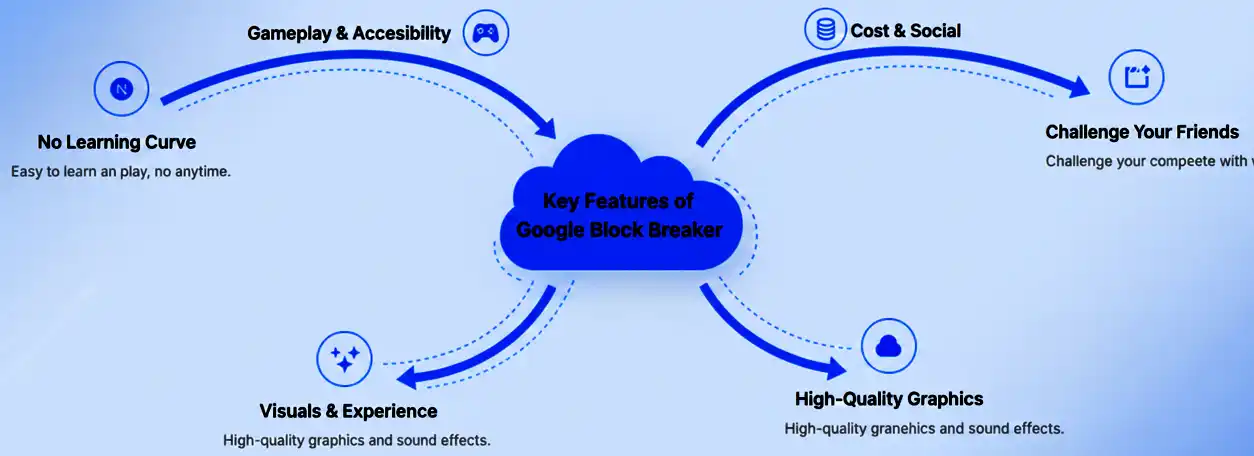
Key Features of Google Block Breaker
- No Learning Curve
- Free to play with no app purchase
- Simple and Fast with no download or installation
- Quality graphics
- Play anytime, anywhere with endless fun
- Challenge your friend and score higher in the game
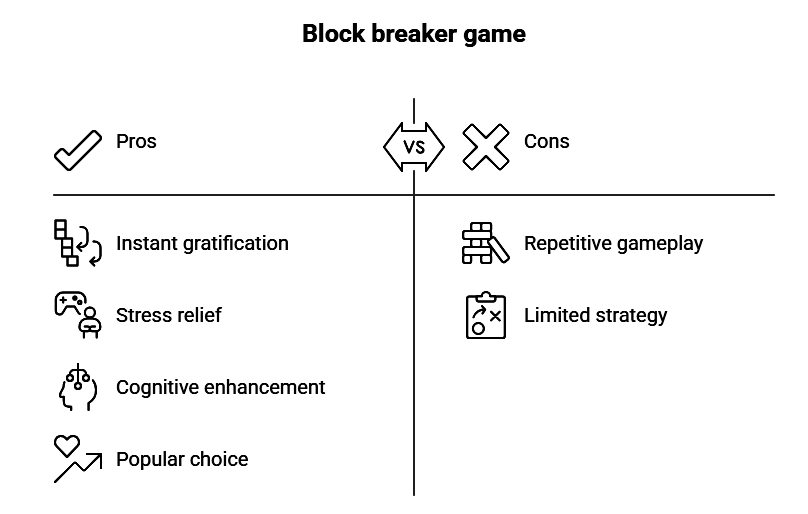
Pros and cons of Google Block Breaker
The image below exemplifies the pros and cons of Google Block Breaker.
👉 Pros
✅ Instant gratification
✅ Cognitive enhancement
✅ Stress relief
👉 Cons
✅ Repetitive gameplay
✅ Limited strategy
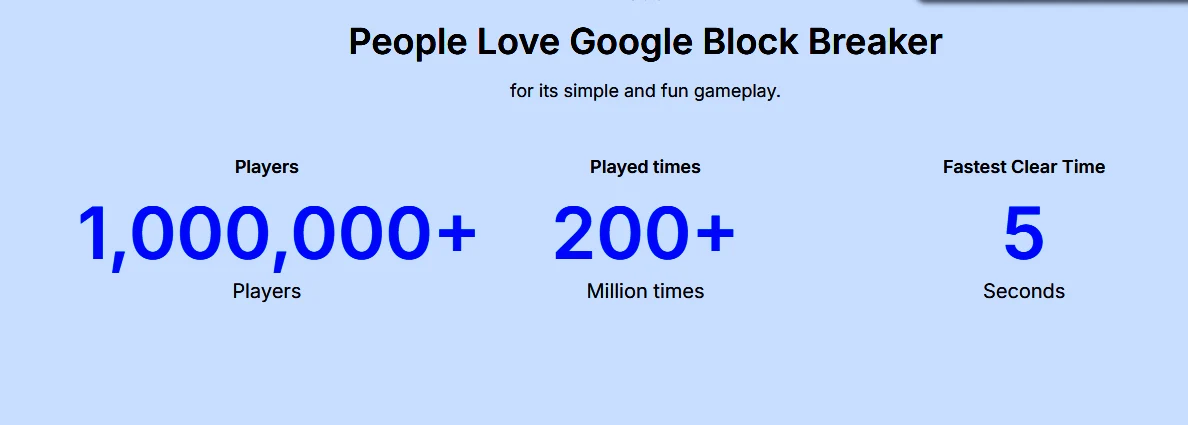
Rationale of why Google Block Breaker seems Addictive
Are you wondering by finding the means why everyone is addicted to the strategy gameplay of Google Block Breaker? So, it’s a game that takes you down memory lane for past nostalgia, feels like experiencing the 70s decade classic, Atari Breakout.
Here, you enjoy the sleek interface and instant accessibility of gaming without downloading. Moreover, the Shorter Playtime makes it ideal for quicker stress relief. That’s the secret behind its popularity and everything that makes it so addictive.
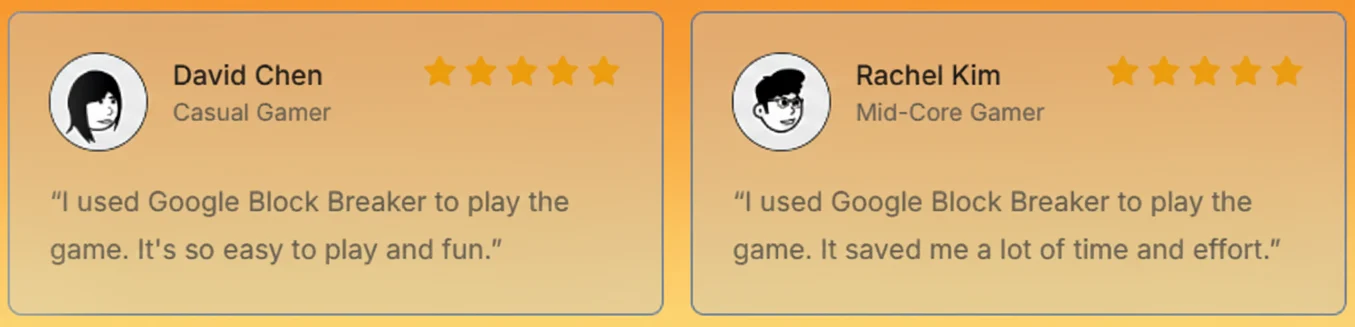
Users’ Testimonials About Google Block Breaker
Below, I share some insight into the user on Google Block Breaker. Let’s have a look at it.
“I used Google Block Breaker to play the game. It’s so easy to play and fun.”– David Chen
“I used Google Block Breaker to play the game. It saved me a lot of time and effort.”– Rachel Kim
Why Block Breaker Games Stay Popular
Bouncing balls to break the blocks is becoming a magical experience for game lovers. The instant gratification of breaking blocks and further leveling up gives the gaming enthusiast a sense of accomplishment. The shorter session of the game makes it a viable game for quicker stress relief. So, it is seen that this game also enhances cognitive prowess by improving reaction time and hand-eye coordination. This is why the block breaker is becoming a popular choice for gaming lovers.
Wrapping up
In a nutshell, it is seen that the power-up hacks and strategic choices are invaluable in helping users to gain mastery over the strategic gameplay. It’s a litmus test for your hand-eye coordination, reflex, and cognitive prowess.
If you have not experienced this fun game before, go straight to the browser to explore “Google Block Breaker.” If you have anything more to know about this strategy game, dont feel hesitant to comment here, as I am here to address your concern by trying to assist as per my potential.
Frequently asked questions (FAQs)
Google Block Breaker is an online browser game requiring no download or installation.
Go to Google → type “Block Breaker” → Click the Play button
Yes, definitely you can play it from your browser without any limitations or cost for enjoying the endless fun.
Yes, absolutely, it is entirely free from any malware and virus threats, making it ideal for safer playing.