
Have you ever seen any inspiring clips or funny memes on Twitter that make you feel as if you would download them? Do you think downloading the video is next to impossible for you, as there are no native options for downloading Twitter videos? If you are experiencing something like it, here I will explain to you a step-by-step process to download Twitter videos in 2025 from Android, iPhone, and desktop.
Download Twitter Video: Is it legal or not?
If you have made up your mind to download any inspiring clips or funny memes from Twitter in 2025 for your own personal use, then no need to worry about it, as it is perfectly okay. However, in case of reposting the downloaded video on social platforms for any commercial use beyond personal motives, then it may cause a violation of copyright laws.
Always seek the permission of the creators before making any content to be published on social media after downloading it from Twitter. Resharing a video with the creator’s permission is mandated to bypass any copyright infringement.
Why choose a reliable platform to download X (Twitter) videos
Are you finding no means for downloading Twitter videos in 2025 from any reliable downloader? Then I can assure you that you are not alone. Many users face issues with usage of wrong tool used to download a Twitter video that exposing the data at risk. Meanwhile, it also has a download option with poor video quality, which ultimately leads to redirecting them to a complete waste of their precision time by mid-crash, compatibility issues with multiple formats while downloading, and also limiting their speed.
Risk of data theft is also seen as frustrating, and some of the Twitter videos downloaded have a hidden cost. This things not only render a complete waste of precious time but also cause safety compromise that makes it mandatory to choose a reliable Twitter video downloader platform for a hassle-free download experience.
How to Download Twitter Videos on iPhone
Native Download Option (Blue Tick Only)
For iPhone users, there is an available option to make a Twitter video download with blue tick-only users, implying the user has a premium account to download the Twitter video. For premium users of the X account formerly called Twitter, opening the X app redirects the user to the Twitter Video section, where tapping on the full screen option and clicking the share icon finds the means to get the download button.
After clicking on download, the video will be saved on the device. Despite the blue tick, premium users get the option to download Twitter videos; the age-restricted content and private videos are inaccessible and not downloadable for premium users, too.
Usage of iOS Shortcuts (TVDL)
Suppose you are an iPhone user but don’t have an X Premium subscription; you still get the means to download Twitter videos through the use of an iOS shortcut. Here, you do not need to have any dealings with a third-party app to have the download done for you. First, you need to visit the link TVDL.
When tapping on the “Set Up Shortcut ”, it will install the shortcut. After opening the Twitter app, choosing the option “ select via” will redirect you to the shortcut that gives the option to make selection of video quality and allows permission for first-time use. That’s all. The video will be downloaded to your device.
Leveraging Apps like TweetSave
If you dont prefer to use a shortcut for downloading a Twitter video, instead opt for using an app to make it simple, then there are also options.
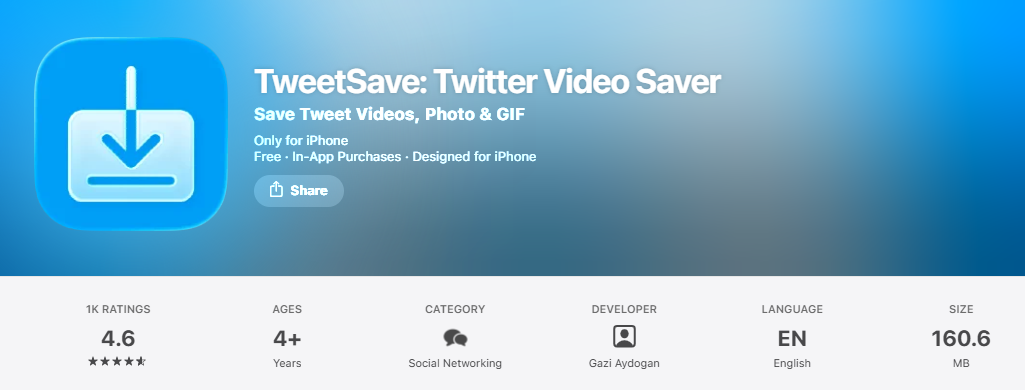
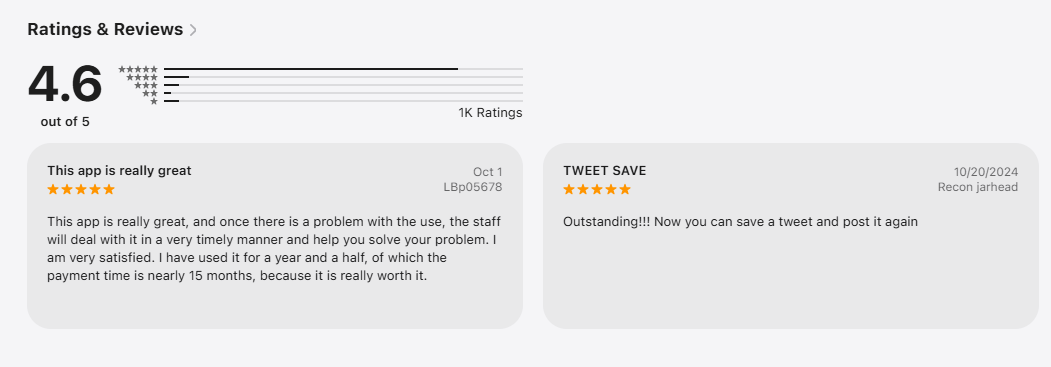
For iPhone users, there is a dedicated app on the App Store called Tweetsave that gives the option for video quality selection and seamless downloading. The app has a 4.6 rating, and users, especially iPhone users, are satisfied with the app. Below, I share the customer reviews for the Tweetsave app.
Usage of Online Tools (SSSTwitter)
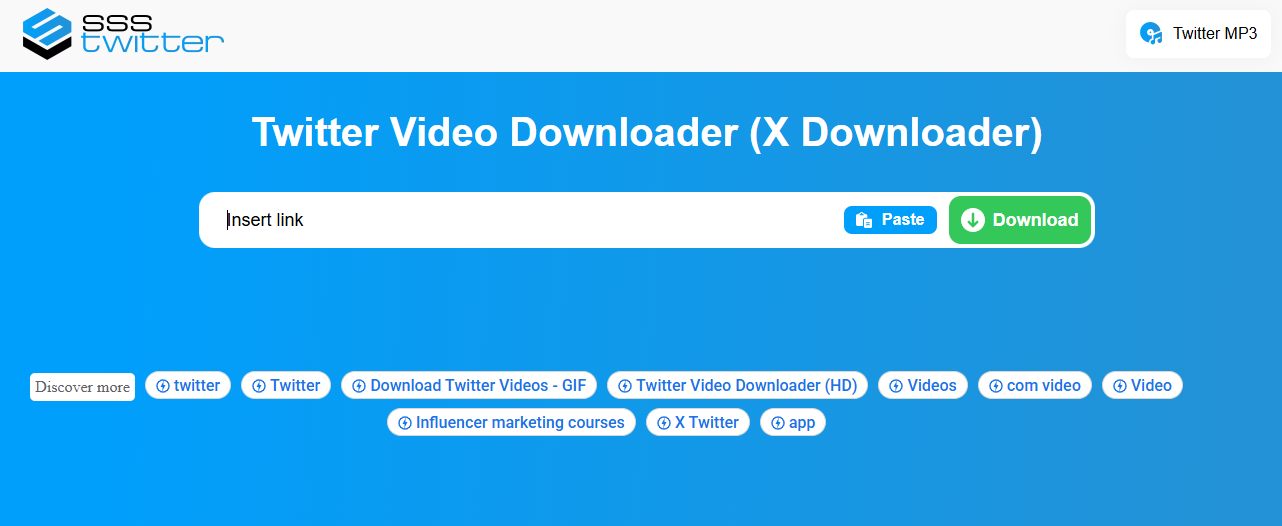
If you dont want to fill your storage by downloading an app from App Store, there is also a web tool that gives you the option to download a Twitter video by just inserting the Twitter link of interest. It is simple, just open any browser like Chrome, Mozilla, or Internet Explorer, and type SSSTwitter on the web, which redirects you to paste the downloadable link and download the Twitter video. Below, I share the website’s look for SSSTwitter to exemplify what it looks like.
How to Download Twitter Videos on Android
Downloading Twitter video on Android is much easier and more flexible in Android both with the website and app, compared to iPhone users.
Leveraging Third-Party Apps (Video Downloader for Twitter)
Are you searching for a video downloader app that will quickly settle the job for you to download a Twitter video? Hereafter, going to the Google Play store, you find the app namely Video Downloader for Twitter, which makes the link auto detect and gives the option to choose video quality for downloading. This Play Store third-party app gives you the option to save a Twitter video to your download folder on your Android.
Online Twitter video Downloaders
If you don’t want to install any app for Twitter video on your phone, no need to panic, as there are browser options to download the Twitter video. All that needs to be done is just copy the link for Twitter, insert the link on the site by pressing Ctrl+V, and hit the download button to save it on your Android.
Xnapper and SSSTwitter are web-based platforms that allow you to download Twitter videos without any need for app installation on your device. It is a browser-based site that requires the site to be bookmarked for seamless access.
How to Download Twitter Videos on Desktop
Leveraging a browser-based site
If you are amc and pc user, then using the browser-based site to download Twitter is the easiest way. All you need is just to copy the Twitter link by pressing the shortcut Ctrl+C and paste it on the browser site by Ctrl+V to download it on your pc. Some browser-based sites are Twitter Video Downloader, SSSTwitter, GetMyTweet, and TWSaver.
Usage of Chrome Extensions
Chrome extensions also make it possible for you to download a Twitter video on your desktop to the preferred location you set for saving the video.
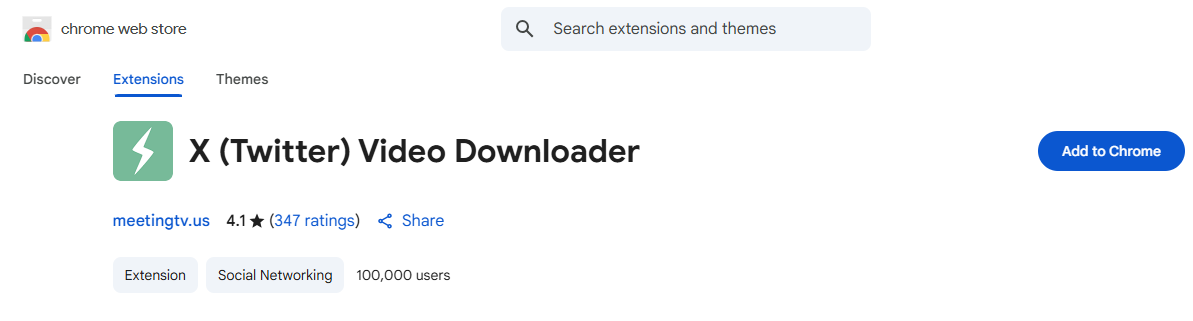
All you need to do is just keep making installation of the Twitter video downloader extension for Google Chrome. Now visit your Twitter account to identify the video you are willing to download on your desktop. After the appearance of the download icon, clicking on it instantly downloads the video to your desktop device for your chosen location.
Developer Tools for Advanced Users
If you are a tech-savvy user and have an understanding of browser DevTools, then you can definitely go for it to make the Twitter download happen for you at your preferred desktop location.
Quick way to fix Issues with downloading Twitter videos
Are you facing a download glitch while trying to save a Twitter video on your device? Here no need to panic. Just follow some quick fixes to resolve it and settle the unsettled download issues for Twitter videos.
- No option for downloading is shown: Do check whether download permission is enabled or not if you face anything like No option for downloading.
- The video does not start the download: Some private videos and broken links dont show the download option for Twitter. You can either opt for another tool or wait for a while to retry it.
- Downloaded and can’t find whether it saved or not: check your device in all the folders where you save your Twitter video. For iPhone users, do check photos and files.
- Blank page or error issue: Do check whether you have any ad-blockers or not. Also, you can clear your device cache and try again to solve it. Try a distinct browser also helpful to resolve the error or blank page issues.
- Twitter video link undetectable: You must see whether the link is public or not, as private links often are undetectable. You also check whether you copied the proper Twitter link or not to be sure of it, and resolve this issue.
Final thought
In a nutshell, choose the platform wisely to download the Twitter video, else it can cause data compromise and also cause mid-crash, compatibility issues with multiple formats. Always seek creators’ permission before posting any downloaded Twitter video to mitigate issues of copyright violation.
Frequently asked questions
Twitter videos are mostly downloaded in the MP4 version.
No, you dont download age-restricted video and private video from Twitter. Even Twitter premium users dont have access to such videos.
The free access for the downloader sometimes limits video quality. Always use the app that gives the option for selection of video resolution.