
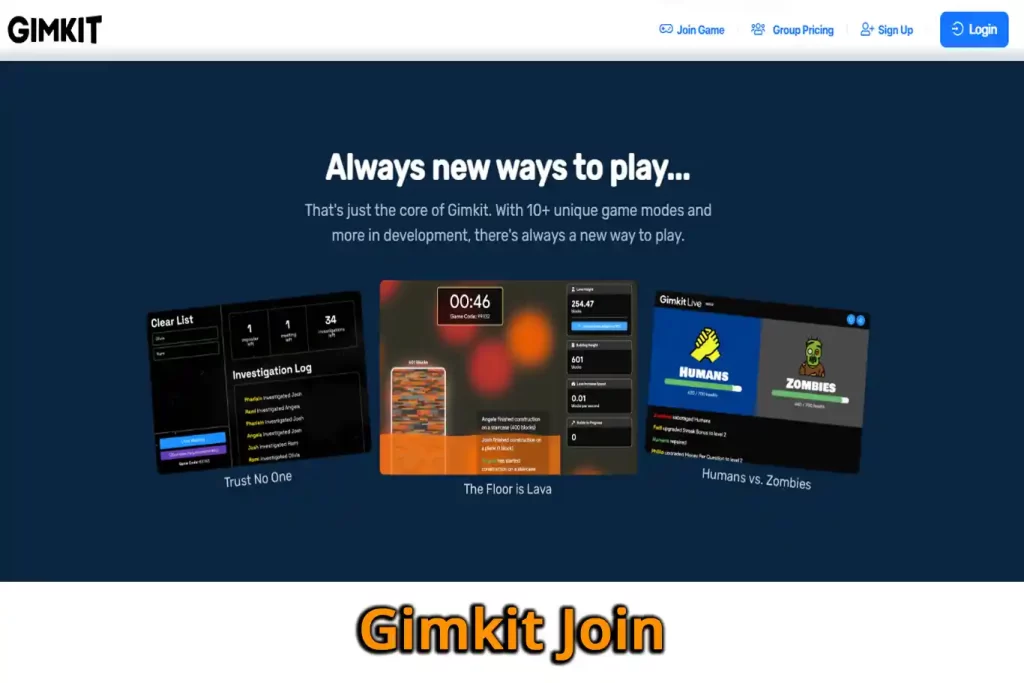
Gimkit is a quiz game used in classrooms. Students answer questions to earn in-game money, buy upgrades and compete with classmates. To play, you join your teacher’s game at gimkit.com/join with a short code.
Here’s how to join in a few seconds, and what to do when something goes wrong.
How to join a Gimkit game
- Look for the game code or QR code on your teacher’s screen, or use the join link they shared.
- Go to gimkit.com/join in your browser.
- Enter the game code and continue.
- Type your name, or accept the nickname Gimkit gives you if your teacher uses the nickname generator.
- Wait in the lobby until your teacher starts the game.
If your teacher uses Gimkit classes and you’re already signed in, you’ll join automatically with your class name.
Joining with a QR code
If your teacher shows a QR code, point your phone or tablet camera at it and tap the link that appears. It opens the game with the code already filled in.
Gimkit join not working? Quick fixes
- “Game not found”: check the code carefully. Codes only work while the game is live, so make sure your teacher has opened the game.
- Wrong name: ask your teacher to remove you, then rejoin with your real name. Teachers can remove inappropriate names.
- Stuck on loading: refresh the page, check your internet connection, or try a different browser.
- Blocked on a school device: your school may need to allow gimkit.com. Tell your teacher.
Tips for teachers
- Use classes so students join with their real names automatically.
- Turn on the nickname generator to avoid silly or inappropriate names.
- Assign kits as homework so students can practise outside class.
- Project the QR code to save time with younger students.
Is Gimkit free?
Gimkit has a free plan with limited game modes, and a paid Gimkit Pro plan for teachers that unlocks more modes and features. Students never need to pay to join a game.
Frequently asked questions
Do students need a Gimkit account to join? No. Students can join with just the code and a name, unless the teacher uses classes.
Can I join Gimkit on a phone? Yes. Gimkit works in any modern browser on phones, tablets, Chromebooks and computers.
Can I play Gimkit without a teacher? You need someone to host a game. Students can’t start a live game on their own without a host account.
Is using hacks in Gimkit allowed? No. Cheating tools break Gimkit’s rules, ruin the game for classmates and can get you removed. Teachers can see unusual scores.
Related guides on WebTechHelp
- JoinPD: How to Join a Pear Deck Session (Student Guide + Fixes)
- JoinMyQuiz: what you need to know
- Securly Pass explained for students
Sources
- Gimkit Help: Gameplay: join and play live games