
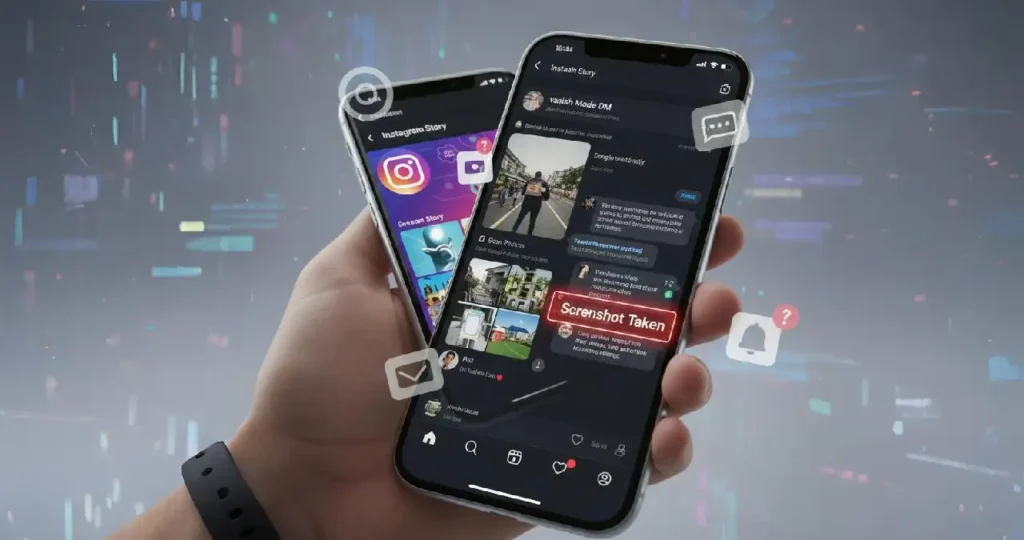
Short answer: for most things, no. Instagram doesn’t tell anyone when you screenshot their story, post, Reel or profile. There are only two places where the other person gets an alert: disappearing photos or videos in DMs, and chats in Vanish Mode.
Here’s the full picture, so you know exactly where you stand, and how to protect your own content too.
Quick answer table
| What you screenshot | Does Instagram notify? |
|---|---|
| Someone’s story (including Close Friends) | No |
| Story Highlights | No |
| Feed posts and carousels | No |
| Reels | No |
| Profile page | No |
| Normal DM messages, photos and videos | No |
| Disappearing (“View once” or “Allow replay”) photos and videos in DMs | Yes |
| Anything inside a Vanish Mode chat | Yes |
When Instagram does send a notification
1. Disappearing photos and videos in DMs
When someone sends you a photo or video that disappears after viewing, Instagram tells them if you take a screenshot. In the chat, they’ll see a small marker next to the message showing that it was screenshotted.
2. Vanish Mode chats
Vanish Mode is a chat setting where messages disappear when you close the conversation. If you take a screenshot or screen recording inside a Vanish Mode chat, the other person is notified.
When Instagram doesn’t notify
Stories, posts, Reels, profiles and regular DMs don’t trigger any alert. The person who posted it won’t know you took a screenshot.
That said, I’d treat screenshots of other people’s content with care. “They won’t know” isn’t the same as “it’s fine to share”. Reposting someone’s private story or chat without asking can damage trust quickly.
Is screen recording any different?
The same rules apply. Screen recording a story or post doesn’t send a notification. Screen recording a disappearing message or a Vanish Mode chat does.
Third-party apps that “screenshot secretly”
You’ll find apps and websites that promise to let you view or save stories anonymously. I don’t recommend them. Many ask for your Instagram login, which puts your account at risk, and using them can break Instagram’s terms of use.
How to protect your own content
If you’re worried about people screenshotting what you share:
- Use Close Friends for personal stories, so only people you trust see them.
- Send sensitive photos as “View once” in DMs. You’ll at least know if someone screenshots them.
- Use Vanish Mode for private conversations.
- Make your account private in Settings, so only approved followers see your posts and stories.
- Remember the golden rule: anything you share can be photographed with another phone. If it would hurt to see it shared, don’t post it.
Frequently asked questions
Does Instagram notify when you screenshot a story in 2026? No. Instagram doesn’t send story screenshot notifications, including for Close Friends stories.
Can someone see that I viewed their story? Yes. Story viewers are listed for the person who posted it, even though screenshots aren’t.
Does Instagram notify when you screenshot a DM? Only for disappearing photos and videos and for Vanish Mode chats. Normal messages don’t trigger a notification.
Did Instagram ever notify for story screenshots? Instagram briefly tested story screenshot alerts in 2018 but didn’t keep the feature.
Related guides on WebTechHelp
- The importance of Instagram views
- Get more followers on Instagram
- What the yellow heart means on Snapchat
Sources
- GrowthScribe: Instagram Story Screenshot Notification: Does Instagram Notify You in 2026? (July 2026)
- Stack Influence: Screenshotting an IG story: does Instagram notify in 2026?