ClassDojo is the app many primary and elementary teachers use to share class updates, give feedback points and let students post work to a portfolio. Students and parents each log in differently, which is where most of the confusion comes from.
In this guide I’ll explain every ClassDojo login option for students, how parents connect to their child’s class, and what to try when a code doesn’t work.
What is ClassDojo?
ClassDojo connects teachers, students and families. Teachers post class stories and messages, students show their work in a digital portfolio, and parents see updates about their child. It works on the web and in the iPhone, iPad and Android apps.
How students log in to ClassDojo
According to ClassDojo’s help center, students log in from the student page (ClassDojo’s short link is dojo.me) or the ClassDojo app. Teachers choose which methods their class uses:
| Method | How it works | Best for |
|---|---|---|
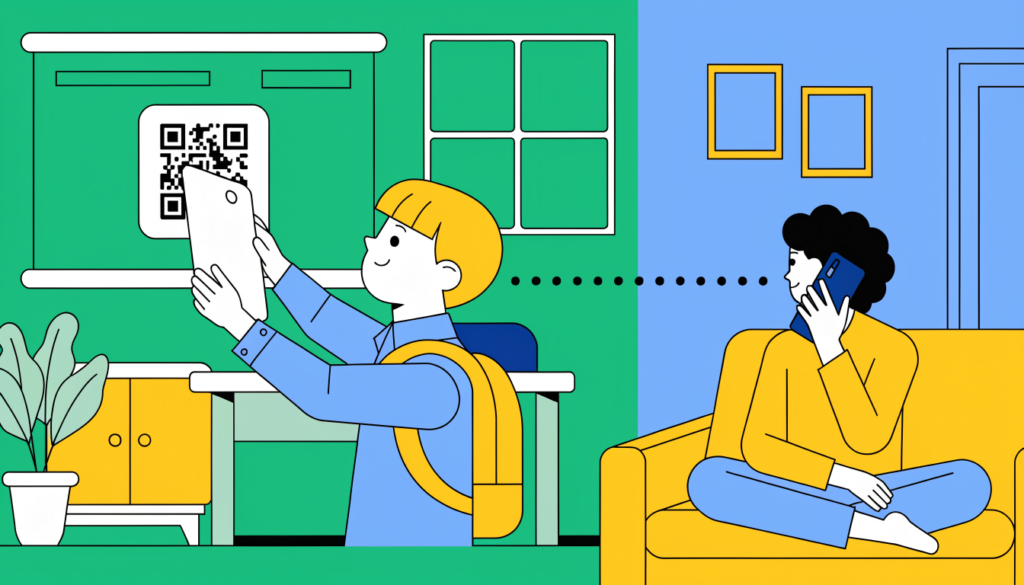
| Class QR code | Scan the code your teacher shows, then tap your name | Shared iPads and tablets |
| Class text code | Type the 6-character code, then pick your name. The code expires after 3 hours | Devices without cameras |
| Individual QR code | Scan your own personal code to go straight to your account | Shared devices, at home |
| Individual link | Open the link your teacher sends you or your parent | Your own device or at home |
| Google sign-in | Sign in with Google once, enter a one-time code to link your class, then use one tap | Chromebooks and laptops |
ClassDojo itself recommends individual links, individual QR codes or Google sign-in as the most secure options, because they log a student straight into their own account rather than letting them pick a name from a list.
In the app
- Open the ClassDojo app and tap I’m a student.
- Scan your class or individual QR code.
- No camera? Choose I don’t have a QR code and type the text code instead.
Google sign-in isn’t available in the app.
At home
Ask your teacher for your individual link or QR code, or your parent can switch from their parent account to your student account in the app.
How parents join ClassDojo
Teachers can invite families in several ways:
- Printed invite: includes a unique parent code (7–9 digits) and a QR code. Scan the QR code or enter the code.
- Email or text invite: open the link in the message. You’ll need an email address to create your account, even if the invite came by text.
- Class link or class QR code: request to join, and your child’s teacher may need to approve it. A class QR code shown on screen expires after 7 days.
Then:
- Create a parent account or log in at home.classdojo.com or in the app.
- Select your child’s name.
- Join the class, or wait for the teacher to approve your request.
ClassDojo code not working? Try this
- Check whether the code has expired. Class text codes only last 3 hours, and class QR codes for parents last 7 days.
- Type the code carefully, without spaces.
- Make sure it’s the right kind of code. A student class code won’t work as a parent code, and the other way round.
- Use the email address the invite was sent to if you’re a parent.
- Ask the teacher for a new code or link. Teachers can create fresh ones at any time.
Privacy tips for families
- Keep individual QR codes and links private. Anyone with them can open your child’s student account.
- Check what’s shared on the class story and your child’s portfolio, and talk to the teacher if you have questions.
Frequently asked questions
What is the ClassDojo student login website? ClassDojo’s student page, at the short link dojo.me. Students can also use the ClassDojo app and tap “I’m a student”.
How long is a ClassDojo class code? Class text codes are 6 characters and expire after 3 hours. Parent codes on printed invites are 7–9 digits.
Can students log in to ClassDojo with Google? Yes, on the web, if their teacher has turned it on. Google sign-in isn’t available in the app.
Is ClassDojo free? ClassDojo is free for teachers, students and families. It offers an optional paid plan for families with extra features.
Related guides on WebTechHelp
- How to join Google Classroom with a class code
- Kahoot Join: how to join a game with a PIN
- Edpuzzle Join: how to join a class
Sources
- ClassDojo Help Center: How students can log in to ClassDojo
- ClassDojo Help Center: How do student logins work?
- ClassDojo Help Center: Invite families to ClassDojo