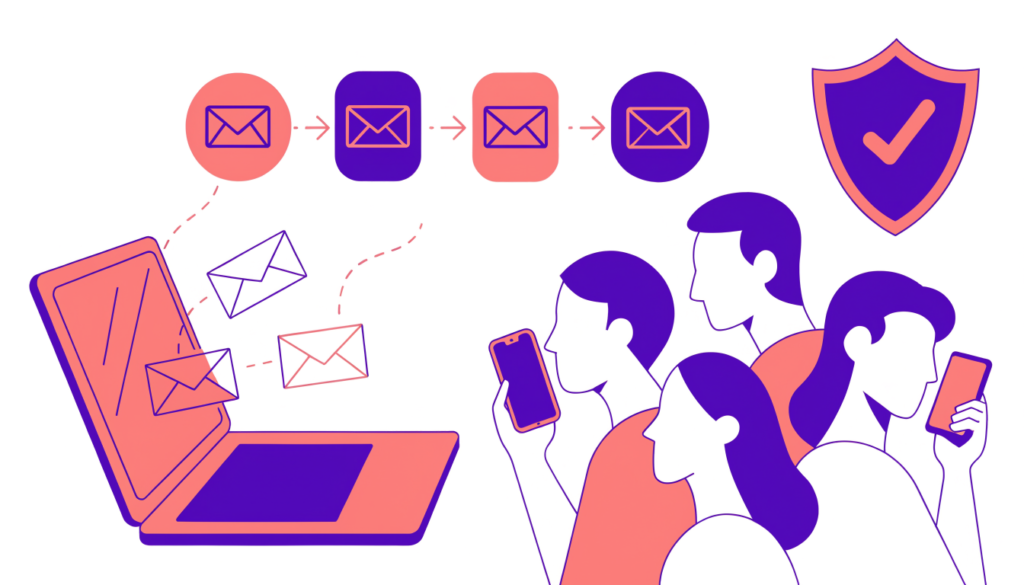
Social media platforms can change their algorithm overnight. Your email list is different: it’s an audience you own, and you can reach it whenever you have something worth saying. That’s why email remains one of the most reliable digital marketing channels for small businesses.
In this guide I’ll show you how to start email marketing from zero: choosing a platform, building a list the right way, writing campaigns people open, setting up simple automation, and following the rules that keep your emails out of spam.
What is email marketing?
Email marketing is sending emails to people who have agreed to hear from you, to build relationships and drive sales, bookings or visits. It includes:
- Newsletters: regular updates, tips and news.
- Promotional campaigns: offers, launches and events.
- Automated emails: welcome series, abandoned cart reminders and follow-ups that send themselves when someone takes an action.
- Transactional emails: receipts, password resets and shipping updates (usually sent by your website or store).
Step 1: Choose an email marketing platform
Don’t send marketing email from your normal Gmail or Outlook inbox. A dedicated platform handles sign-up forms, unsubscribe links, deliverability and reporting. Popular options include Mailchimp, Brevo, MailerLite, Kit (formerly ConvertKit), Klaviyo (popular for online stores) and HubSpot. Many have free plans for small lists.
When comparing, check:
- the free plan’s contact and sending limits
- automation features on the plan you can afford
- integrations with your website or store (WordPress, WooCommerce, Shopify)
- easy-to-use templates and sign-up forms
Step 2: Set up your sending domain properly
This step is technical but important. Since 2024, Gmail has required senders to authenticate their email. According to Google’s email sender guidelines:
- All senders to Gmail need SPF or DKIM set up for their sending domain, and should keep their spam rate below 0.3%.
- Bulk senders (5,000 or more messages a day to Gmail accounts) need SPF and DKIM and DMARC, and marketing messages must support one-click unsubscribe.
Your email platform will give you DNS records to add for your domain. Add them in your domain registrar, and send from an address on your own domain (for example, hello@yourbusiness.com), not a free Gmail address.
Step 3: Build your list with permission
Never buy email lists. Purchased lists damage your sender reputation, lead to spam complaints and may break privacy laws. Build your list with clear consent:
- Add a sign-up form to your website: in the footer, on your blog posts and on a dedicated page.
- Offer a reason to join: a discount, a checklist, a free guide, early access or a useful weekly tip.
- Collect emails at checkout with a clear, unticked opt-in box for marketing.
- Use double opt-in (a confirmation email) if you want a cleaner list with fewer fake addresses.
- Tell people what they’ll get and how often.
Step 4: Know the basic legal rules
Rules depend on where you and your subscribers are, so check the laws that apply to you. As an example, the US CAN-SPAM Act, as summarised by the Federal Trade Commission, requires that commercial emails:
- use accurate “From” and routing information
- don’t use deceptive subject lines
- identify the message as an advertisement where required
- include a valid physical postal address
- explain clearly how to opt out, and honour opt-outs within 10 business days
The FTC also says you remain responsible even if another company sends emails for you. In the EU and UK, GDPR and related rules generally require clear consent for marketing emails. If you’re unsure, get legal advice.
Step 5: Write your first campaigns
Subject line: clear beats clever. Say what’s inside: “5 ways to cut your electricity bill this winter” or “Your 15% welcome discount is inside”. Keep it short enough to read on a phone.
Preview text: the line shown after the subject in most inboxes. Use it to add detail rather than repeating the subject.
Body:
- Write to one person, in a friendly, natural voice.
- Keep one main goal per email, with one clear call to action button.
- Use short paragraphs and make it easy to scan on mobile.
- Add images if they help, but make sure the email still makes sense if images don’t load.
How often? Choose a schedule you can keep, such as weekly or twice a month. Consistency matters more than frequency.
Step 6: Set up simple automation
Automation sends the right email at the right time, without you lifting a finger. Start with:
- Welcome series: 2–3 emails when someone joins: deliver what you promised, introduce your business, and point to your best content or products.
- Abandoned cart email (for online stores): a reminder when someone leaves items in their cart.
- Post-purchase follow-up: a thank-you, how-to tips, and a request for a review.
- Re-engagement: a last check-in with subscribers who haven’t opened in months. Remove them if they still don’t engage.
Step 7: Segment your list
As your list grows, send more relevant emails by grouping subscribers by interest, location, purchase history or how they joined. Even simple segments, such as “customers” and “not yet customers”, can make your emails feel more personal.
Step 8: Measure and improve
Your platform reports these key metrics:
| Metric | What it tells you |
|---|---|
| Click rate | How many people clicked a link. One of the most reliable signals of interest. |
| Conversions | Sales or sign-ups from the email. Track them with UTM links and Google Analytics 4. |
| Unsubscribe rate | Whether your content or frequency is putting people off. |
| Spam complaint rate | Keep it very low. Gmail’s guidelines say to stay below 0.3%. |
| Bounce rate | Invalid addresses. High bounces hurt deliverability. |
| Open rate | Useful for comparing subject lines, but less reliable than it used to be because some email apps (such as Apple Mail with privacy features on) load images automatically, which can count as opens. |
Test one change at a time, such as two subject lines, and use the results for your next email. To connect email to sales on your website, tag links with UTM parameters and follow my Google Analytics 4 tutorial.
How to stay out of the spam folder
- Authenticate your domain (SPF, DKIM and DMARC).
- Only email people who opted in.
- Make unsubscribing easy and quick.
- Send consistently, and remove inactive subscribers.
- Avoid misleading subject lines and too many links or images.
- Watch your complaint rate in Google Postmaster Tools if you send a lot of email to Gmail users.
Frequently asked questions
Is email marketing still effective? Yes, when your list is built with permission and your emails are useful. You own the list, and you can reach subscribers directly without an algorithm in between.
How do I start email marketing for free? Choose a platform with a free plan, add a sign-up form to your website, offer a simple reason to join, and send a short welcome email. Upgrade when your list outgrows the free limits.
How often should I send marketing emails? As often as you can send something genuinely useful. Weekly or every two weeks suits many small businesses. Watch your unsubscribe rate as you adjust.
Can I email people who gave me their business card? That depends on your local laws. In many places you need clear consent for marketing emails, so the safest approach is to ask them to subscribe.
Related guides on WebTechHelp
- Google Analytics 4 tutorial for beginners
- Customer retention vs acquisition: why retention wins
- Google Ads for beginners
Sources
- Google Gmail Help: Email sender guidelines
- Federal Trade Commission: CAN-SPAM Act: a compliance guide for business
- Red Sift: Gmail’s enforcement ramps up: what bulk senders need to know (November 2025)