On-page SEO is everything you control on the page itself: the content, title, headings, links, images and code. It’s the part of SEO you can fix today, without waiting for backlinks.
This on-page SEO checklist is the one I follow before publishing a guide on WebTechHelp. It’s based on Google’s SEO Starter Guide, and I’ve noted where Google says something doesn’t matter, because a lot of SEO advice online is out of date.
What is on-page SEO?
On-page SEO is the practice of optimizing a single web page so search engines can understand it and people find it useful. It sits alongside technical SEO (site-wide things like crawling and speed) and off-page SEO (links and mentions from other sites).
Before you start: pick one main keyword
Every page should have one clear purpose and one main keyword, plus related variations. If you haven’t chosen yours yet, start with my keyword research guide for beginners.
The on-page SEO checklist
Content
1. Match search intent. Search your keyword and look at the top results. If they’re step-by-step guides, write a step-by-step guide. If they’re comparisons, write a comparison. This matters more than any other item on the list.
2. Answer the question early. Give the direct answer or a short summary in the first few paragraphs, then go into detail. Readers (and AI search tools) should find the answer without scrolling through a long introduction.
3. Make it original and helpful. Google’s guidance asks for content that is readable, original, up to date and written for people first. Add something others don’t: your own steps, screenshots, examples, data or honest opinion.
4. Don’t chase a word count. Google says length alone doesn’t affect ranking. Write as much as the topic needs and no more.
5. Use the keyword naturally. Include it in the title, the main heading and the introduction, and use related terms where they fit. Keyword stuffing is against Google’s spam policies.
Titles and descriptions
6. Write a unique, descriptive title tag. The title tag usually becomes the clickable headline in Google. Make it clear, specific and unique to the page. Put the main keyword near the start where it reads naturally, and keep it short enough not to be cut off, roughly 50–60 characters.
7. Write a meta description that earns the click. Google says a good meta description is short, unique to one page and summarizes what the page offers. It isn’t a ranking factor, and Google may show different text from your page, but a clear description can improve your click-through rate.
Structure
8. Use one clear H1 and logical subheadings. Break long content into sections with H2 and H3 headings that describe what each section covers. Google says heading order doesn’t matter for ranking, but a logical structure helps readers and screen readers, and makes your content easier for AI tools to quote.
9. Use a short, readable URL. Use words that describe the page, such as /seo/on-page-seo-checklist/, rather than random IDs. Google says keywords in the URL have “hardly any effect” on ranking beyond appearing as breadcrumbs, so don’t change existing URLs just to add keywords.
10. Add lists and tables where they help. Steps, checklists and comparisons are easier to scan in lists and tables, and they’re easier for search engines and AI tools to understand and quote.
Links
11. Add internal links. Link to related pages on your own site with descriptive anchor text, such as “Google Search Console tutorial” rather than “click here”. Google says most new pages it finds are discovered through links, and anchor text tells users and Google what the linked page is about. Also link to your new page from older, relevant pages.
12. Link to trustworthy sources. Cite official documentation and original research where you make factual claims. For links you don’t vouch for, such as user comments or paid placements, use nofollow, ugc or sponsored.
Images and media
13. Optimize images. Use descriptive file names, write short alt text that explains what the image shows and how it relates to the page, and place images near the relevant text. Compress images and use modern formats such as WebP so the page loads quickly.
Technical on-page items
14. Add accurate structured data. Schema markup such as Article, Product, Breadcrumb or Organization can help Google understand your page and may make it eligible for rich results. (Since 2023, Google shows FAQ rich results only for well-known government and health websites, and has retired HowTo rich results, so don’t add those just for rich results.) Google says structured data must match what’s visible on the page, and that no special markup is needed for AI Overviews. On WordPress, Yoast SEO and Rank Math add the basics for you.
15. Check page experience. Make sure the page works well on mobile, loads quickly and doesn’t jump around as it loads. Google’s Core Web Vitals targets are: Largest Contentful Paint of 2.5 seconds or less, Interaction to Next Paint of 200 milliseconds or less, and Cumulative Layout Shift of 0.1 or less. Avoid intrusive pop-ups that cover the content.
After publishing
- Inspect the URL in Google Search Console and request indexing for important pages. My Google Search Console tutorial shows how.
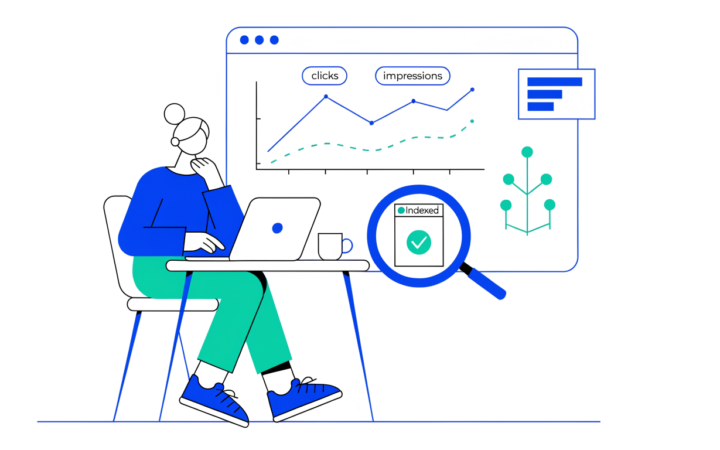
- Watch the Performance report after a few weeks. Pages with many impressions but a low CTR usually need a better title or meta description.
- Update the page when facts, prices or steps change, and note the update date.
What Google says doesn’t matter
These are common myths, according to Google’s SEO Starter Guide:
- The meta keywords tag: Google Search doesn’t use it.
- Keywords in the domain name: they have hardly any effect.
- A minimum word count: there isn’t one.
- The “perfect” number or order of headings: there isn’t one.
- E-E-A-T as a direct ranking factor: Google says it isn’t one, although showing real experience and expertise still helps people trust your content.
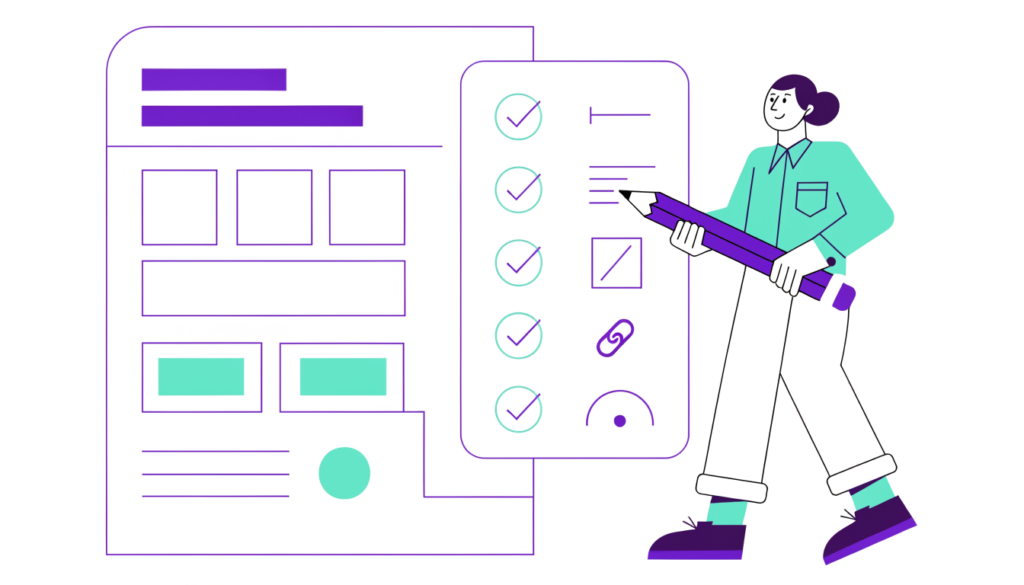
On-page SEO checklist (quick version)
- Content matches search intent
- Direct answer near the top
- Original, helpful, up to date
- No padding to hit a word count
- Main keyword used naturally
- Unique, descriptive title tag
- Clear, unique meta description
- One H1 and logical H2/H3 headings
- Short, descriptive URL
- Lists and tables where useful
- Internal links with descriptive anchor text
- Links to trustworthy sources
- Optimized images with alt text
- Accurate structured data
- Fast, mobile-friendly page
Frequently asked questions
What is the most important on-page SEO factor? Matching search intent with genuinely helpful content. Titles, headings and links help Google understand a good page, but they can’t make a poor or mismatched page rank.
How long should a title tag be? There’s no official limit, but titles of roughly 50–60 characters are less likely to be cut off in search results. Clarity matters more than length.
Do meta descriptions affect rankings? Not directly. They can affect how many people click your result, and Google may rewrite them based on the search.
Is on-page SEO enough to rank? For low-competition, long-tail keywords, strong on-page SEO is often enough. For competitive terms you’ll also need technical health and links from other sites.
Related guides on WebTechHelp
- How to do keyword research for beginners
- Google Search Console tutorial for beginners
- How to create content for search engines and readers
Sources
- Google Search Central: SEO Starter Guide
- Google Search Central: Influencing your title links
- Google Search Central: Control your snippets in search results
- Google Search Central: AI features and your website
- Google Search Central Blog: Changes to HowTo and FAQ rich results (August 2023)
- web.dev: How the Core Web Vitals thresholds were defined