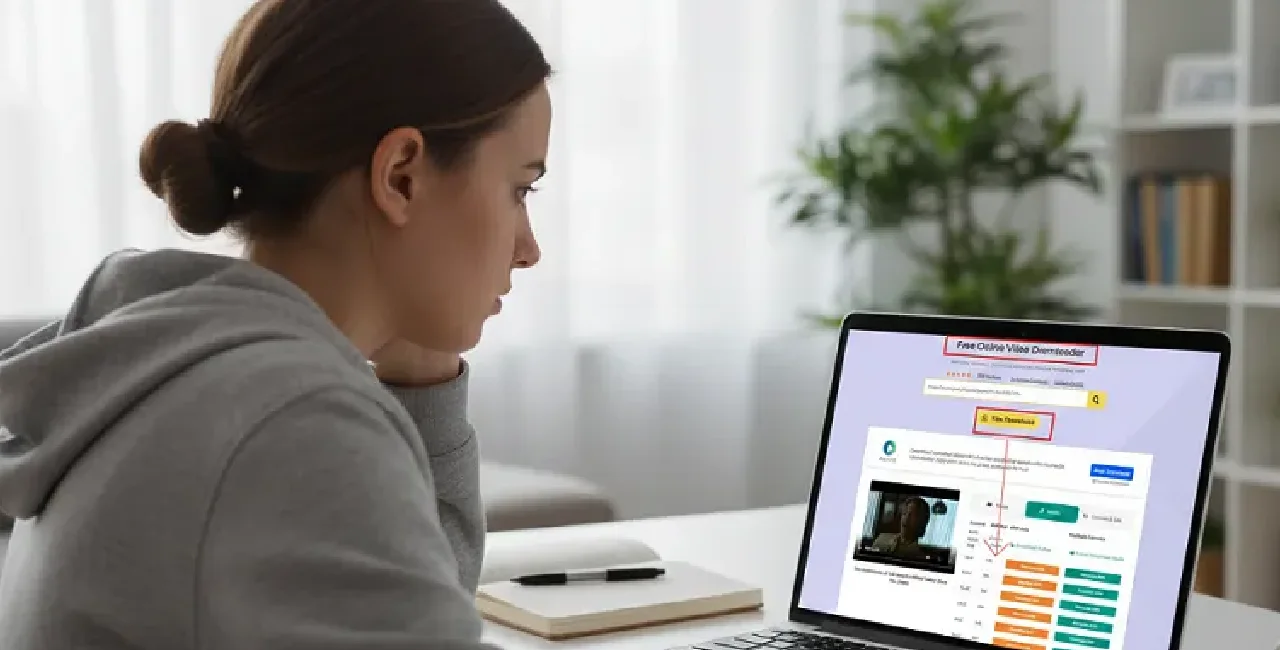
Are you an audiophile or music lover who wants to listen to high-quality audio music but does not know any tool to settle the deal? YouTube is becoming a part and parcel of everyday entertainment that gives you accessibility to millions of music, documentaries, videos, podcasts and much more. Now, I think an idea pops into your mind, is there any way to listen to your favorite music or anything in audio format without signing up? YouTube to WAV conversion is indeed becoming an invaluable choice that helps you convert videos into quality audio in WAV format.
Here in the blog, I will discuss WAV File, the benefits of using YouTube to WAV Converter, tips for Quality Audio Extraction, and a reality check from the legal end. Read the blog to discover more about it.
What Is YouTube to WAV Conversion? A brief Overview
YouTube to WAV converter is a process of high-quality audio extraction led by a specialized tool to save it as a WAV file format. Waveform Audio File Format, abbreviated as WAV, is a process to store audio data that is uncompressed and of high quality.
Kudos to the developers from IBM and Microsoft for creating such a file format. This is now becoming increasingly popular because of top-notch sound quality among audiophiles, sound engineers, and musicians.
Here, you don’t need to have any technical pre-knowledge to convert audio from YouTube to wav format. Just copy the content url from YouTube and paste it into a tab for the YouTube to WAV converter tool to make things happen for you.
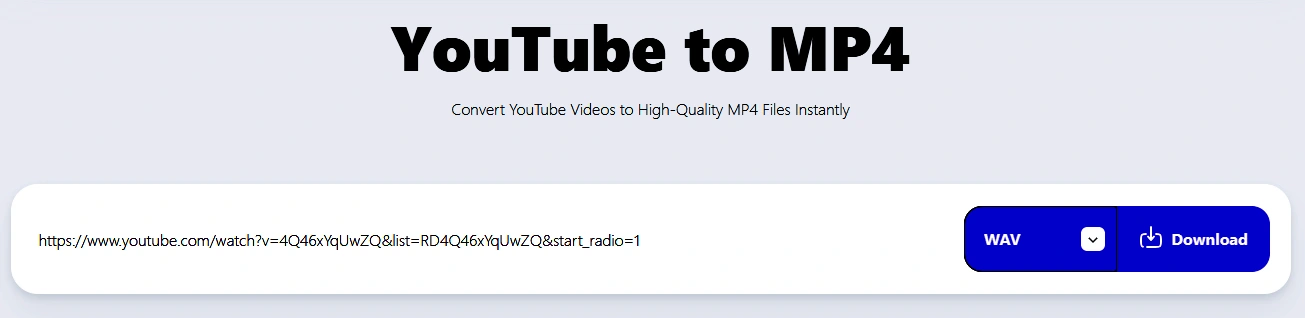
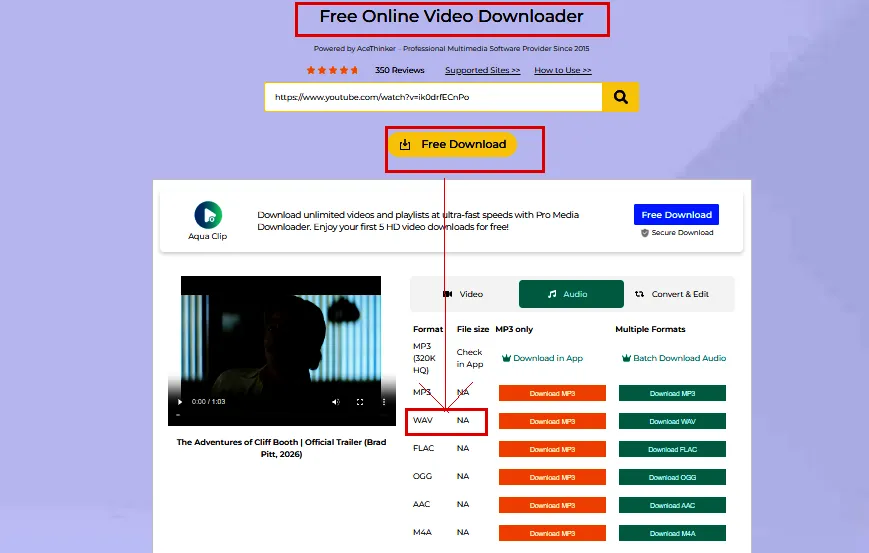
Here you need to paste the url of the YouTube link to save it as wav file format. After pasting the url you need to click on the download option as shown above.
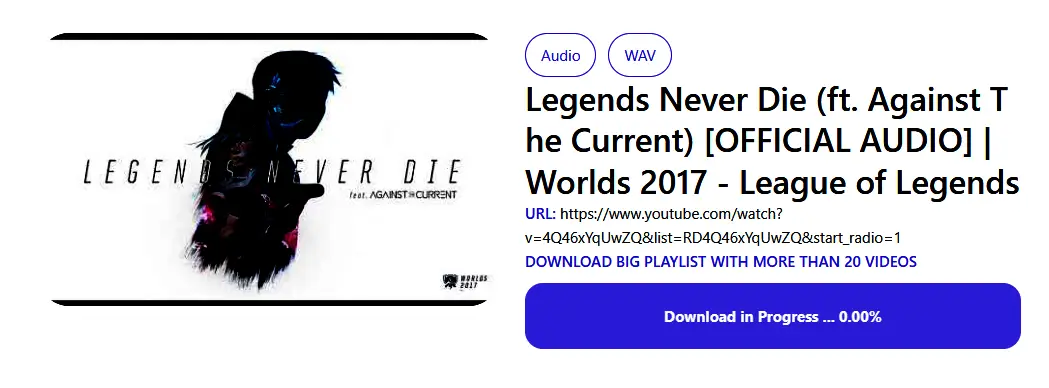
Now the url for the file in wav format appears on your screen; you just need to click on the download option to save the audio in wav format. Above, I share the screenshot that shows the music of the “Legends Never Die” song in wav format.
Benefits of Using YouTube to WAV Converter
There are some standout benefits of using a YouTube to WAV Converter as follows
✅ No sign-up for downloading: Users do not need to sign up to download a YouTube file in wav format. It helps anyone to convert any favorite videos available on YouTube in wav format with little hassle and quickly.
✅ Offline Listening: The conversion of audio into wav format helps to listen to audio offline with no need for internet connectivity. This is helping anyone to access music or educational content offline, even with no need for internet connectivity.
✅ Better Compatibility: WAV files have seamless compatibility across distinct software for audio editing. Meanwhile, this compatibility is invaluable for many tasks stemming from audio editing, adding audio to any video, and much more.
✅ Audio Extraction with high quality: Another benefit of using YouTube to WAV Converter is its higher fidelity, which does not give any chance of losing audio data during the process of Audio Extraction. Above all, the sound quality remains pristine, making it ideal for professional audio editing purposes.
✅ Intuitive interface: The intuitive interface makes the tool incredibly easy to use. The user just copies (Ctrl+C) the link url from YouTube and pastes (Ctrl+V) it on the converter to download the audio in WAV format. Meanwhile, it helps to make its usage simple, easy, and accessible for any user, irrespective of their technical skills.
4 Best YouTube to WAV Tools
4kdownload.to
Here you can download an unlimited number of audio files from youtube video in wav format. Here you enjoy your favourite podcast and music in audio format entirely free without any account sign-up.
Y2Down.cc
Y2Down.cc is a faster WAV downloader from YouTube video links that does not require any sign-up or account creation.
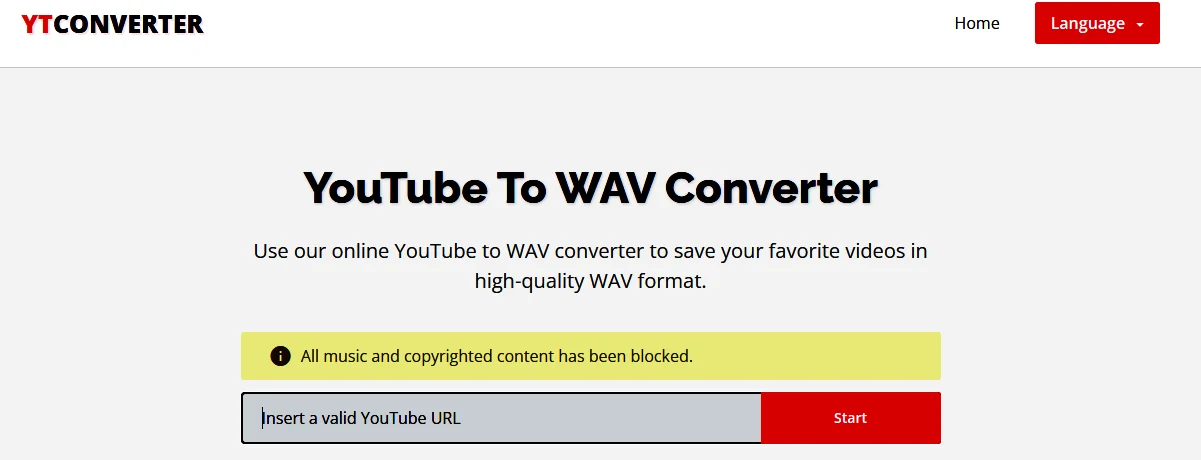
YTConverter
YTConverter is a tool for online trimming and converting YouTube videos into audio and video formats. This tool is helping to keep the extraction of audio from YouTube videos in a distinct format. Here you can enjoy audio in formats such as M4A, MP3, OGG, and WAV formats. It is free to use, and there is no need to sign up for accessibility.
ACEThinker
ACEThinker ensures faster and smoother download of YouTube content in audio based wav format by retaining the original audio quality.
Best Practices behind using the conversion tool
You need to keep a close eye on certain factors before using the conversion tool to transform youtube video into high-quality audio.
- Before using the conversation tool, avoid the use of Copyrighted Content without prior permission from the creators
- Stay updated about regulations and the legal standpoint
- Choose Secure Tools to avoid malware attacks
Wrapping up
In the end, if you like to enjoy high quality audio in wav format, then YouTube to wav conversion would become a great move. By selecting the right tool for conversation and respecting the laws of copyright, users can enjoy millions of music, documentary, videos, and podcasts in wav audio format.