Gaming is an enjoyable ride, freeing classroom learners from daily monotony. Here’s how Gimkit Join is becoming a useful tool to make learning more engaging, interactive, and beyond. It’s a gateway to participate in interactive quizzes that redefine the classroom experience. If you are excited to know about it, stay with me till the end to explore it further.
Endless Possibilities of Gimkit Join
Gimkit Join is an online gaming tool that provides students option to participate in live game sessions to enjoy it. Participants can collect virtual money, level up, and also get the option to reach the next level. Here customization meets engagement, that is, offering an array of choices to suit the unique preferences of the user.
How to participate in Gimkit join
How it works for students
If you are a student and feel the desire to enjoy the game, follow the basic steps. At first, you open your web browser and enter www.gimkit.com/join. Now, you enter your unique code shared with you by your teacher.
Choose a name that appears on the game screen during the gaming session. Now enter to join and wait until the teacher begins the session for you. That’s all. You enjoy your gaming with others of your classmates.
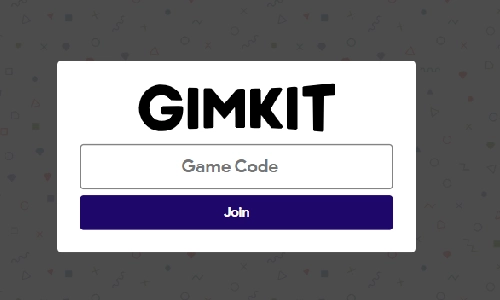
Alt text: The image shows where to enter the game code and strt to join after visiting the website.
In the next section, I will tell you how it works for teachers. So if you are a teacher and want your students to participate in the gameplay, just check it out.
How it works for teachers
If you are a teacher who acts as a host during the gaming session, you first need to enter your details to log in with your Gimkit account. Now you choose the option “Gimkit create” to make a quiz for students. Now you decide the game mode among GimKit Dash, classic, and Team. Clicking on play live redirects you to share the auto-generated GIMKit code for your students.
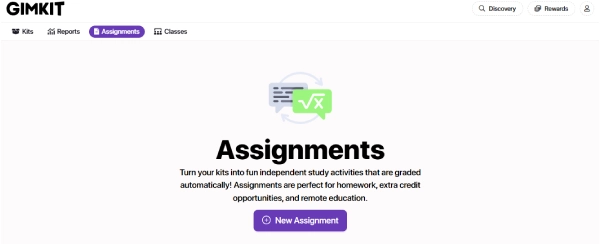
Teachers are also preparing Gimkit assignments for games for independent study or homework to let them enjoy it at their learners’ pace. Just click on the new assignment and prepare for your learners. That’s all.
When age matters- who is not eligible for Gimkit Join?
Users without parental consent for the age bar, as per the Children’s Online Privacy Protection Act (COPPA) guideline, are not eligible to open an account and play the game.
Parents and teachers need to be cautious if the participants’ ages do not meet the age requirement. As per the Children’s Online Privacy Protection Act (COPPA), the participants must be 13 years old in the US and 16+ outside the US. If students are eager to join in a live game hosted by educators, then no need to sign up. Just entering the game code helps to enjoy the Gimkit Join.
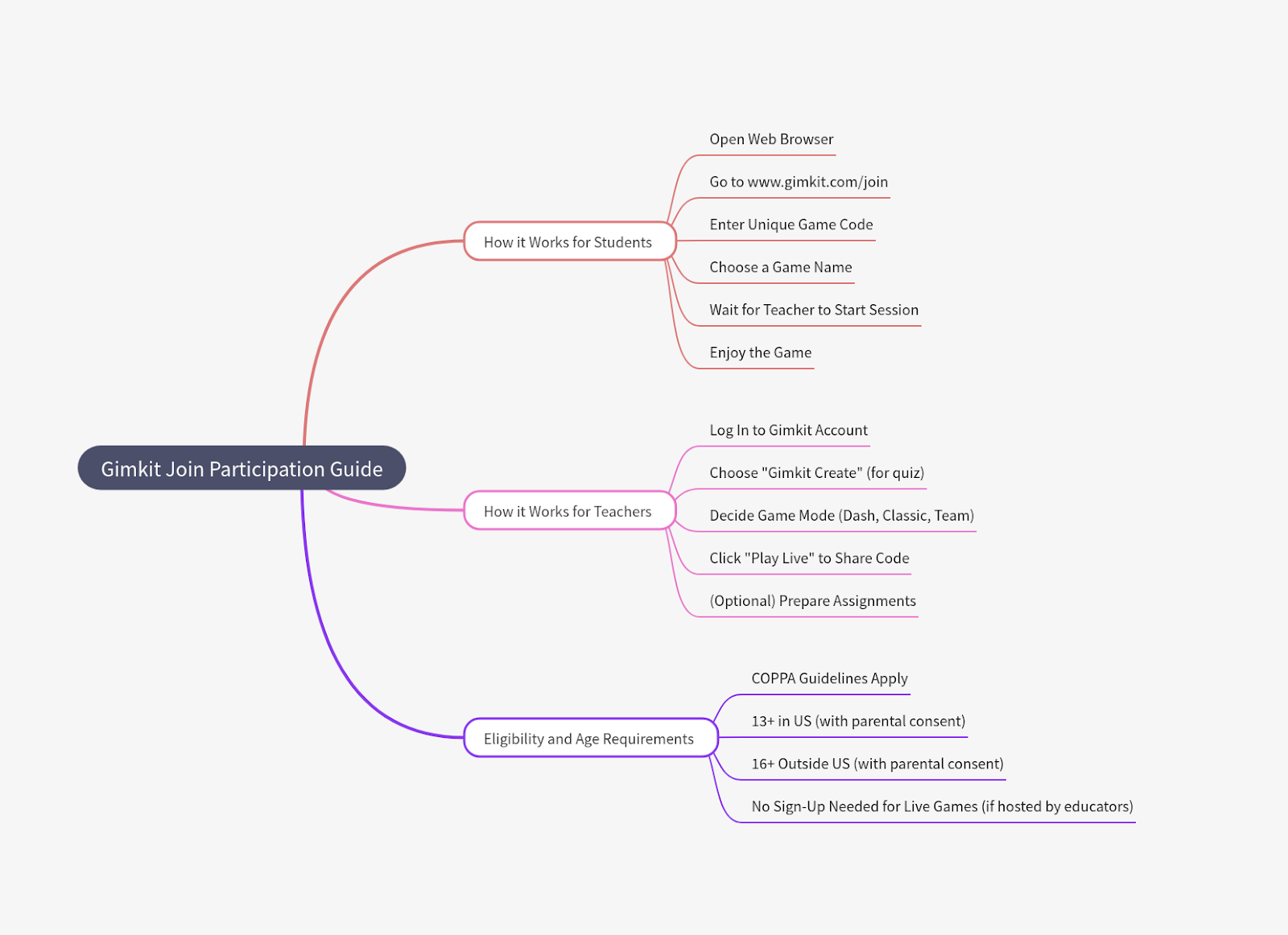
The mindmap shown above exemplifies why Teachers and students love Gimkit Join. It also showcases who is not eligible for Gimkit Join and the reason behind it.
Tailoring the Experience: Questions, Timer, Rewards
Here’s the twist Gimkit Join isn’t a one-size-fits-all quiz. So, it hands you the reins, allowing you to mold questions, tweak timers, and customize rewards. The result? A game that transcends the ordinary, blending challenge and fun into an enticing experience for the students.
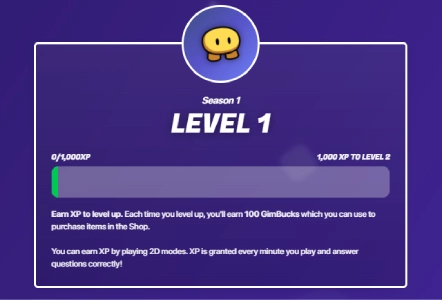
Suppose you want to enhance your overall gameplay by participating. Answering questions helps you to level up, and you earn virtual currency. For instance, each time you play, it gives you 100 Gim-Bucks to use for purchasing items in the future.
Beyond the Basics: Knowledge, Collaboration, Strategy
Gimkit join isn’t just a test of memory. It is a testament to knowledge sharing, collaboration, and strategy. Winning isn’t a mere race against time; it’s a journey that demands more than rote facts a collaborative stance where students strategize their way to success.
In-Game Economy: Where Every Answer Counts
In the gimkit join universe, answers are currency. Right answers will help to game cash, but the stakes are high missteps lead to financial setbacks. The catch? It’s not just money; it’s power. Students navigate upgrades and power-ups, wielding multipliers and icebreakers in a bid to outsmart opponents.
Why choose Gimkit Join: Questions, Leaderboard, Engagement
Picture this. Gimkit joins and makes a gameplay dynamic where questions and the leaderboard tell the rest. The result? A fast-paced ballet that keeps students on their toes, engaged, and competing until the grand finale.
In essence, gimkit join isn’t just a quiz platform. It’s a canvas where education meets creativity. Additionally, it makes learning an expedition. So, dive into the dynamic realm where quizzes are not just assessments but adventures waiting to unfold.
Decoding the Mechanics of Gimkit Join
Ever wondered about the magic behind Gimkit join? Let’s take a thrilling ride through the gears that make this dynamic platform tick:
Teacher’s Role in Action
The teacher kickstarts the Gimkit journey by shaping a game or importing questions from Quizlet or Google Forms. Additionally, it helps create a robust question bank that serves as the heartbeat of the experience.
Student Entry: A Unique Code to Unleash the Fun
As students step into the live game, armed with any internet-connected device, they use a unique code or link provided by the teacher. Meanwhile, it opens the door for fostering inclusivity across devices.
The Unveiling journey for Gaming On
With a decisive click of “start” by the teacher, questions are randomly selected, showing a thorough display to all students. The race is on, with participants sprinting to be the first to seize the virtual cash prize.
The Cash Flow and Strategy: Navigating the Gameplay
In the virtual arena, students not only answer questions for cash but also strategize. Meanwhile, this becomes a strategic tool that allows them in order to purchase the power-ups as well as crafty sabotages that infuse an extra layer of excitement into gameplay.
The Dynamic Leaderboard
The leaderboard also takes center stage and updates in real-time after each question. The pace quickens with new challenges emerging swiftly, and boredom remains as an unwelcome guest.
Diverse Dynamics: Power-ups and Game Modes
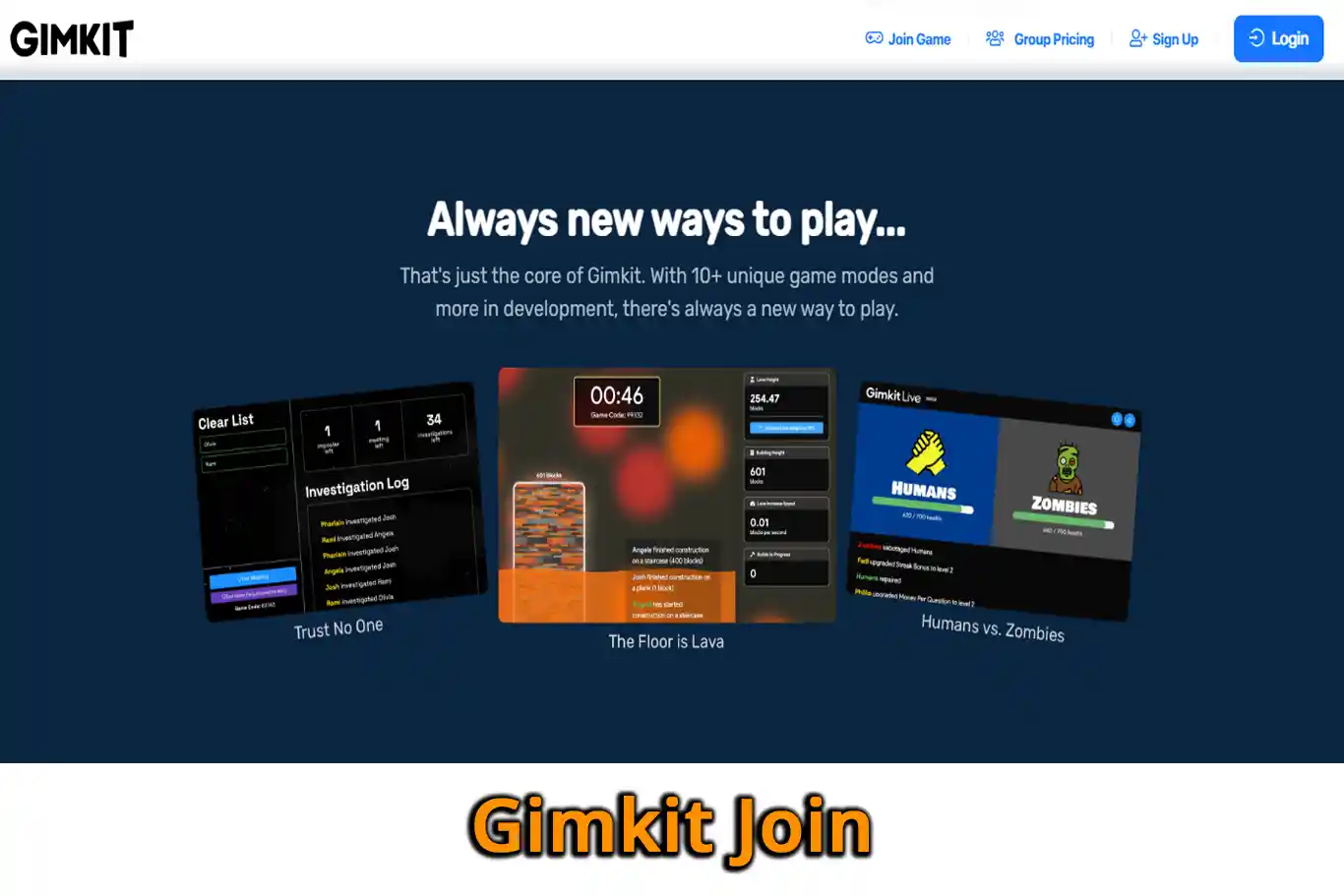
In order to keep the thrill alive, Gimkit introduces various power-ups as well as game modes. Additionally, it helps to span from the initial spark to the grand finale.
Teacher’s Insight
As the curtains draw the game, the teacher steps into the role of the analyst, feasting on rich data on reports that offer insights into the student performance and pave the way for constructive evaluation.
Unlocking the Fun: A Summary of Gimkit Join’s Essence
In essence, gimkit also transcends the conventional quiz format into a live, fast-paced, as well as interactive game show. Additionally, the competitive spirit and social dynamics seamlessly blend, ensuring that learning becomes a motivation-driven joyride.
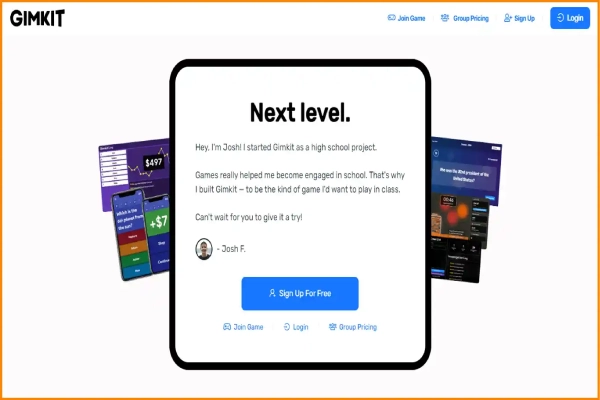
The competitive spirit and social dynamics seamlessly blend, ensuring that learning becomes a motivation-driven joyride.
Implementation adventures for GimKit join:
Now, let’s embark on a straightforward guide to infusing Gimkit Join’s magic into your classroom:
- Craft a Gimkit Game: Log into your Gimkit haven, create a new “Kit” to house your question bank. So it helps to personalize settings like time limits and cash per question.
- Reveal the Join Code: Launch the game and share the on-screen join code. Meanwhile, it shows the golden ticket for students to enter the live game on their devices.
- Student Entry: Provide the join code, directing students to gimkit.com/join on their internet-connected devices. A friendly reminder: ensure they have the app downloaded for the optimal experience.
- When the Game starts: As the teacher, commence the game when all students have joined. Questions materialize, and the competitive thrill begins.
- Observation and Guidance: Throughout the game, keep tabs on the leaderboard, offering coaching and encouragement. Watch for student upgrades and sabotages—elements that add strategic depth.
- After the Applause review, check the Results: When the game concludes, delve into the results data with students. Celebrate the winners and utilize the data as a valuable teaching moment.
FAQs
To join Gimkit, have students visit https://www.gimkit.com/play. If they are logged in and in your class, they will join automatically. So, if not logged in, typing the game code will prompt to log in.
Gimkit offers a free plan that provides unlimited access to the currently featured modes. However, Gimkit Pro (the paid plan) offers unlimited access to every mode, regardless of the current feature. Please note that assignments are exclusive to Gimkit Pro members, allowing students to play Gimkit on their own from anywhere.
Gimkit provides two paid subscription plans:
Annual plan: This plan needs a subscription fee of $59.88, and it is billable.
Monthly plan: The Monthly plan starts at $14.99.
No, assignments are a feature available exclusively to Gimkit Pro (paid) members. Assignments enable students to play Gimkit on their own, making it suitable for distance learning, independent study, or homework.